
MiniMax H3
来自 MiniMax
Reference-driven video that keeps your song in the picture.
Native stereo sound, 768P up to 4K.
核心能力
Your song is the soundtrack
Reference audio you supply comes back as the output track, so the take lands already on your master, not on invented sound.
Reference to video
Hold characters and scenes across shots with up to nine reference images, plus clips and audio stems, so a three-shot chorus stays one world.
Four to fifteen seconds
Each take runs four to fifteen seconds, six by default — the length a chorus cut actually needs.
Seven ratios
21:9 through 9:16 plus adaptive, so the same brief covers cinema wides and verticals for release day.
Up to 4K
768P is the working resolution, 2K unlocks on Pro, and Creator renders at up to 4K for the final master.
Native stereo
Picture and sound are predicted together, so mouth movement and beats line up with the audio you handed the model.


技术规格
MiniMax H3
Reference-driven video model, served through dimly
Reference to video
Images, clips and audio drive the take
4 to 15s
Six seconds by default, the chorus-cut length
768P to 4K
2K from Pro, 4K on Creator
7 ratios
21:9, 16:9, 4:3, 1:1, 3:4, 9:16, adaptive
Native stereo
Your reference audio returns as the output track
9 references
Plus up to 3 clips and 3 audio stems per take
Beat-locked
Motion follows the audio you supply, take after take
提示词示例
使用场景
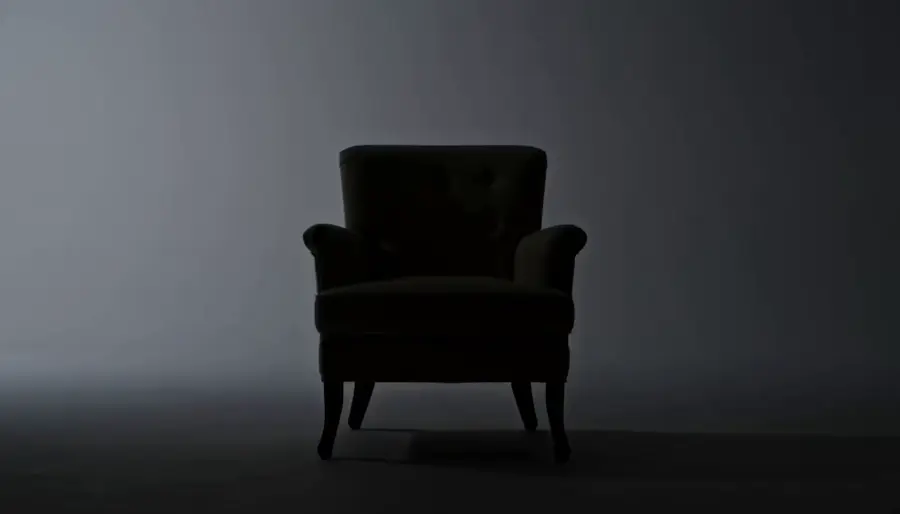
Chorus-cut three-shots
The three-shot loop around your chorus, directed as one world instead of three unrelated clips.
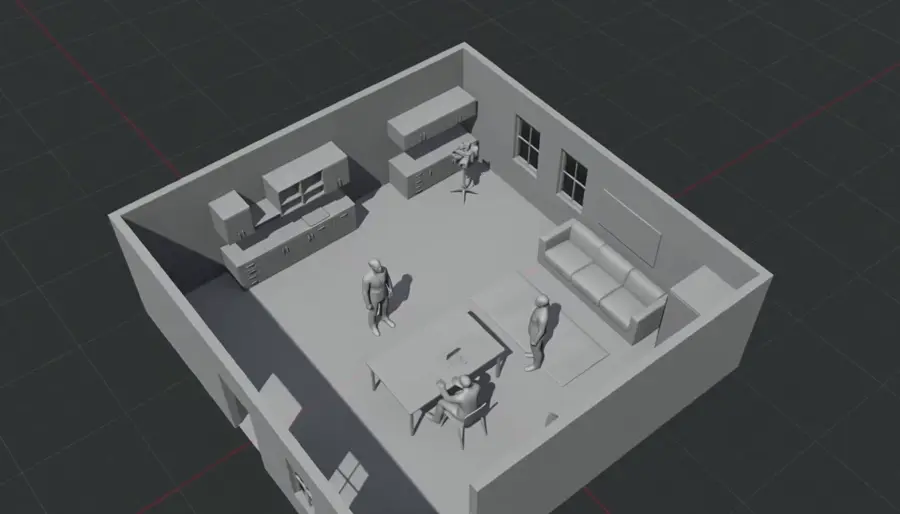
Previz before the shoot
Block the video, watch it, adjust it, watch it again — with takes cheap enough to explore a doubtful idea.

Release-day verticals
Cut 9:16 teaser after teaser from the same references, timed to the drop.
Character consistency
Keep the same artist across every shot of a sequence by feeding the same reference set.
Sound-led scenes
Scenes built around a precise moment — a snare, a door, a first word — arrive already carrying it.
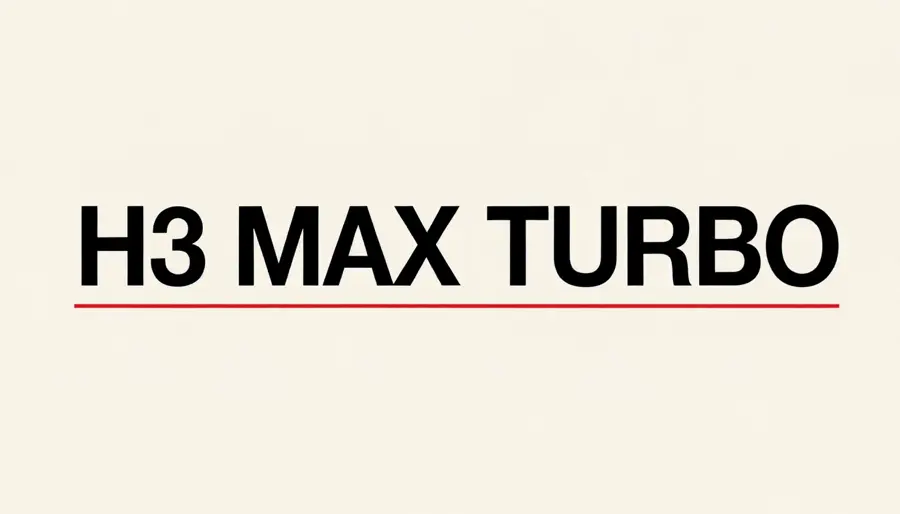
Title cards and type
Quote the exact words and they come back correctly spelled, so the title card ships as generated.
概览
MiniMax H3 is the reference-driven video model behind dimly's music-video pipeline. You hand it a brief plus references — up to nine images, three clips and three audio stems — and it returns a four-to-fifteen-second take with stereo sound generated alongside the picture. When you supply reference audio, that audio comes back as the output track, which is why a dimly sequence lands already on your song.
What the reference input buys you
References are what keep a music video feeling like one film. The same character images and the same world stills feed every take in a sequence, so shot one and shot three read as the same artist in the same room. Audio references do the timing work: motion follows the track you supplied, so a snare hit or a sung line lands where the song puts it.
The trade is deliberate: H3 is a reference-first model, not a raw text-to-video toy. Write the brief across the clip — subject, action, camera, light, sound — and let the references carry identity.
Where Seedance 2.5 is the better pick
Seedance 2.5 takes first and last frames, so it is the tool when you know exactly where a move starts and ends. It runs four to thirty seconds against H3's fifteen, at 480p and 720p, and dimly runs it with its own audio generation switched off — the original song is muxed back after the render, so the master is never touched.
In practice the pairing is simple: direct character-led chorus work on H3, and use Seedance when a move needs exact endpoints or a longer runway.
MiniMax H3 on dimly
H3 sits in dimly's model picker from the cheapest plan up. Starter and Weekly render at 768P, Pro unlocks 2K, and Creator goes to 4K for the final master. Every generation is quoted in credits and confirmed by you before it runs, and takes land in the project workspace where you can revise, re-time, or send the same brief through Seedance to compare.
简单的价格
先免费规划你的视频,再按发布节奏选一个计划。