
MiniMax H3
提供:MiniMax
Reference-driven video that keeps your song in the picture.
Native stereo sound, 768P up to 4K.
主な特徴
Your song is the soundtrack
Reference audio you supply comes back as the output track, so the take lands already on your master, not on invented sound.
Reference to video
Hold characters and scenes across shots with up to nine reference images, plus clips and audio stems, so a three-shot chorus stays one world.
Four to fifteen seconds
Each take runs four to fifteen seconds, six by default — the length a chorus cut actually needs.
Seven ratios
21:9 through 9:16 plus adaptive, so the same brief covers cinema wides and verticals for release day.
Up to 4K
768P is the working resolution, 2K unlocks on Pro, and Creator renders at up to 4K for the final master.
Native stereo
Picture and sound are predicted together, so mouth movement and beats line up with the audio you handed the model.
技術仕様
MiniMax H3
Reference-driven video model, served through dimly
Reference to video
Images, clips and audio drive the take
4 to 15s
Six seconds by default, the chorus-cut length
768P to 4K
Every resolution on every plan
7 ratios
21:9, 16:9, 4:3, 1:1, 3:4, 9:16, adaptive
Native stereo
Your reference audio returns as the output track
9 references
Plus up to 3 clips and 3 audio stems per take
Beat-locked
Motion follows the audio you supply, take after take
プロンプト例
Neon chorus
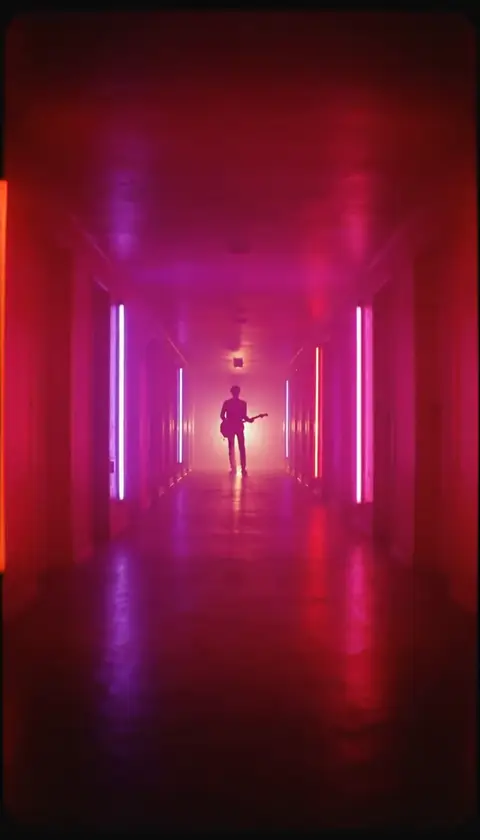
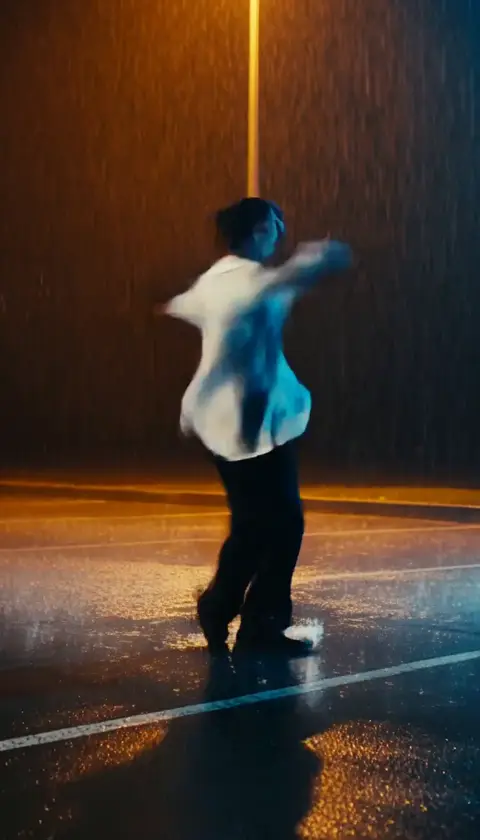
A singer turns to the camera as the chorus hits, neon signs flickering behind her
プロンプトを編集ユースケース
Chorus-cut three-shots
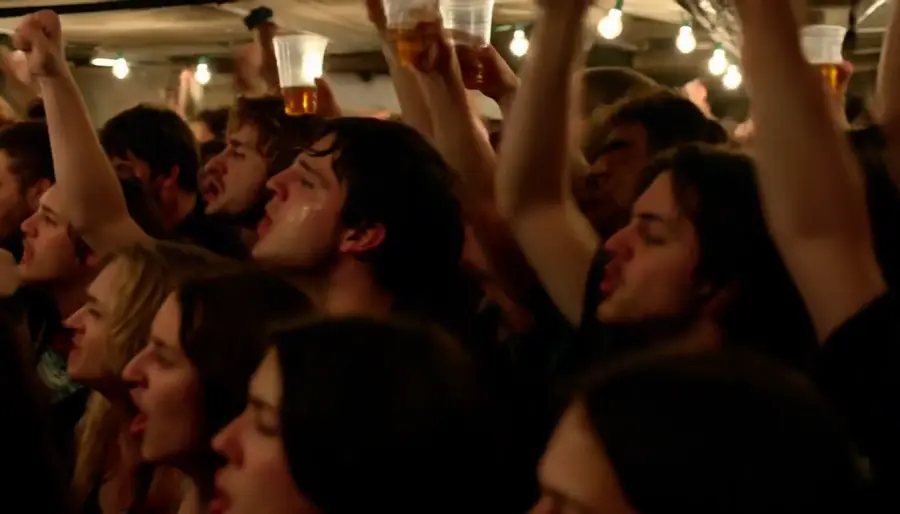
The three-shot loop around your chorus, directed as one world instead of three unrelated clips.
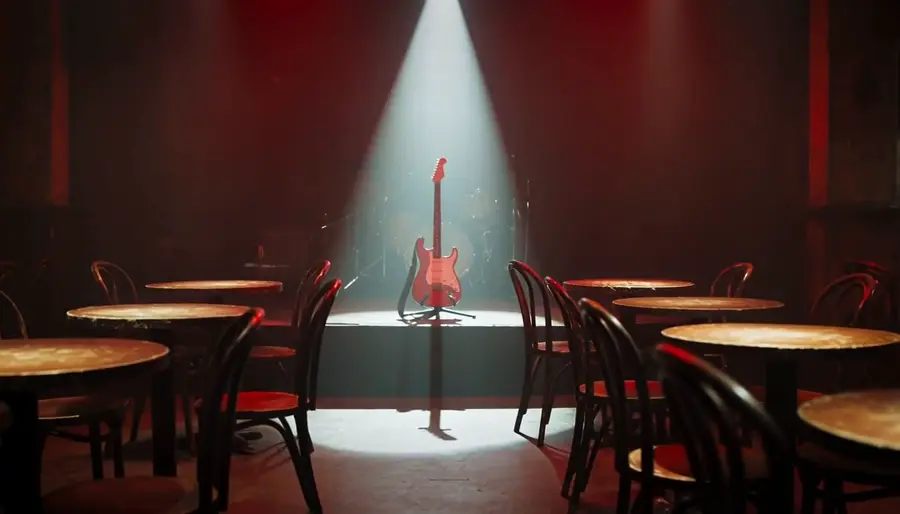
Previz before the shoot
Block the video, watch it, adjust it, watch it again — with takes cheap enough to explore a doubtful idea.
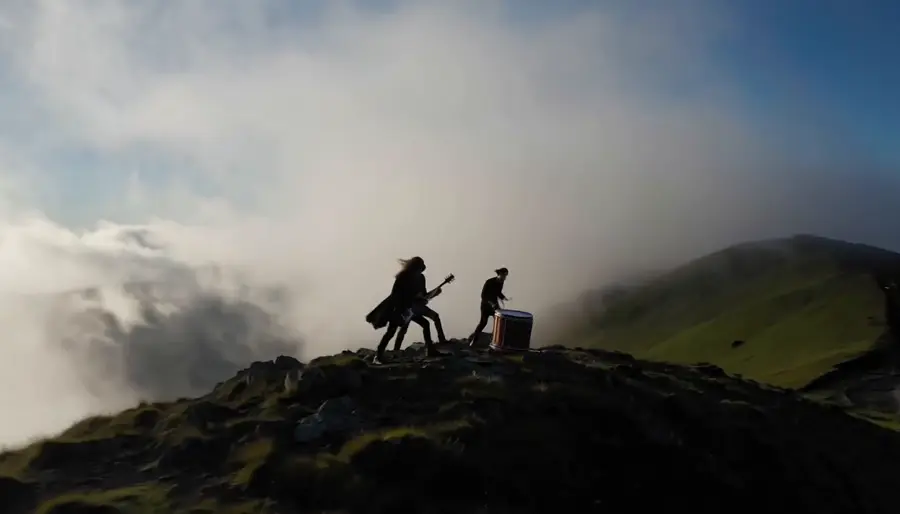
Instrumentals and post-rock
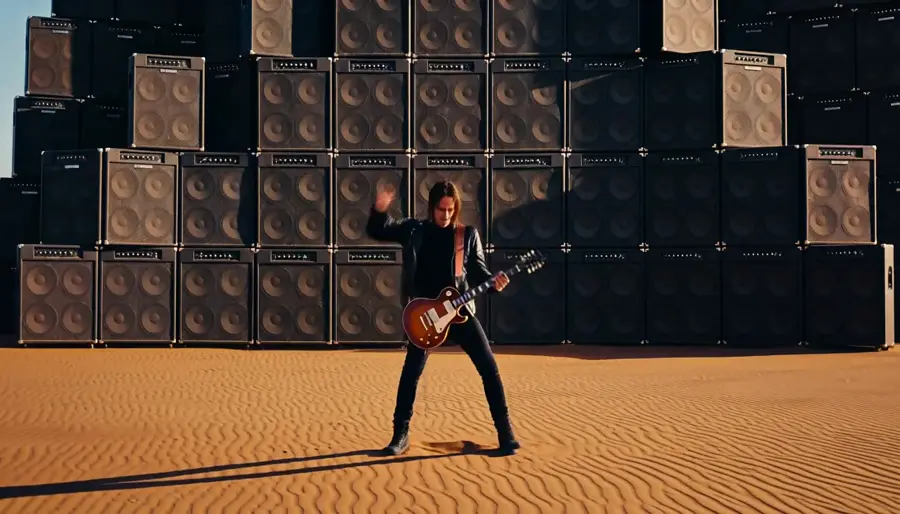
No singer needed — light, weather and a slow camera carry a track on their own.
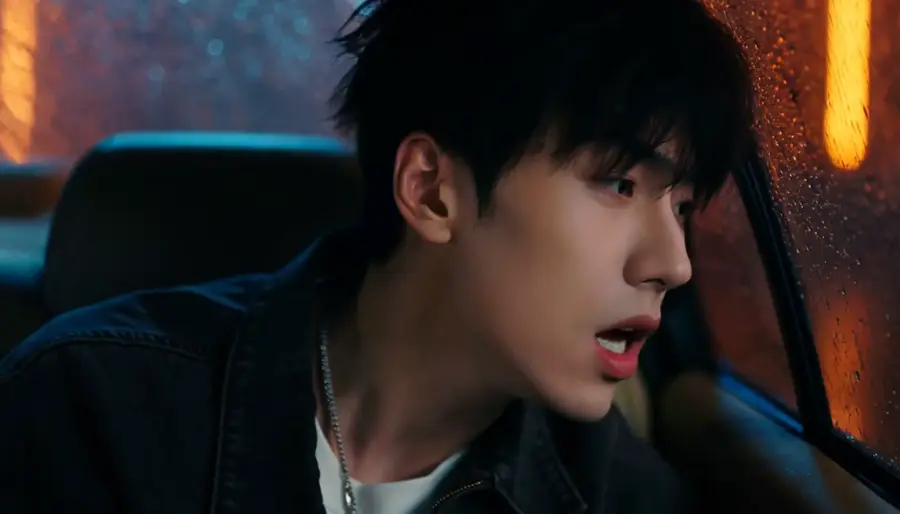
Character consistency
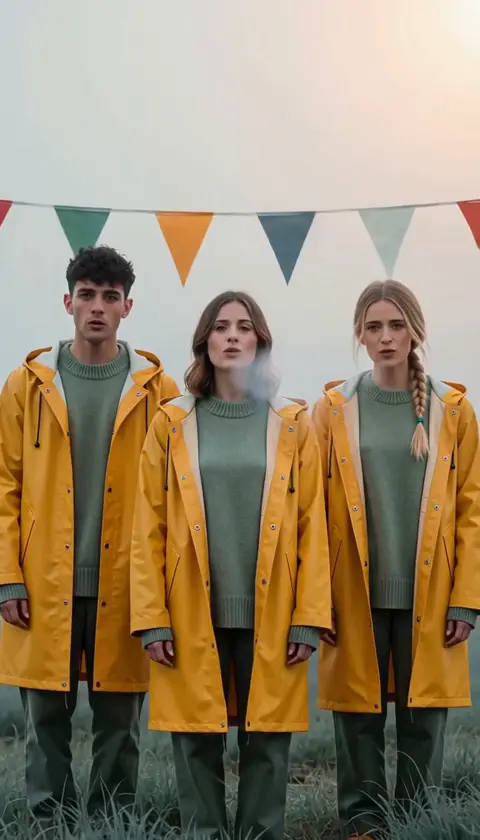
Keep the same artist across every shot of a sequence by feeding the same reference set.
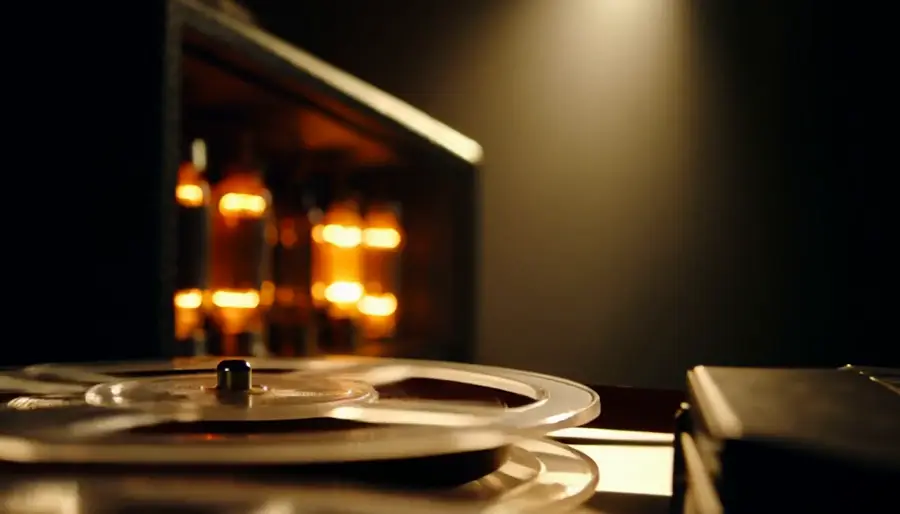
Sound-led scenes
Scenes built around a precise moment — a snare, a door, a first word — arrive already carrying it.
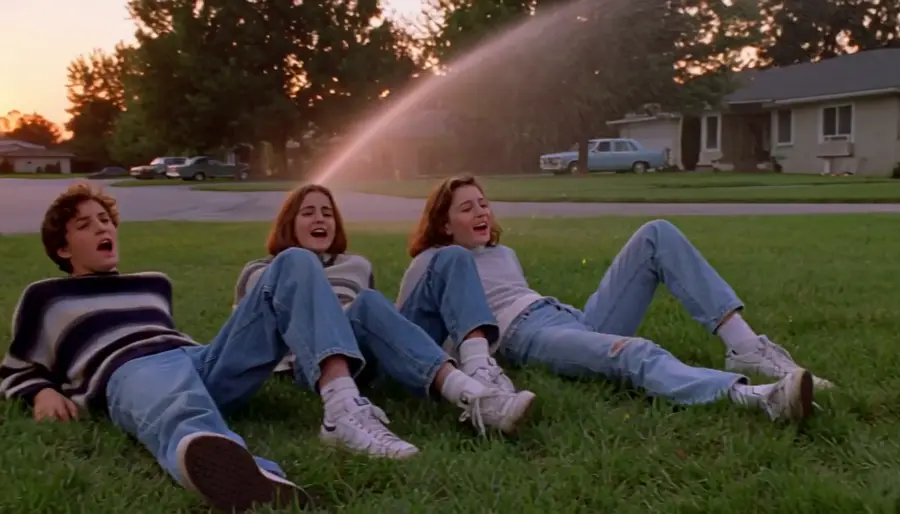
Era and film stock
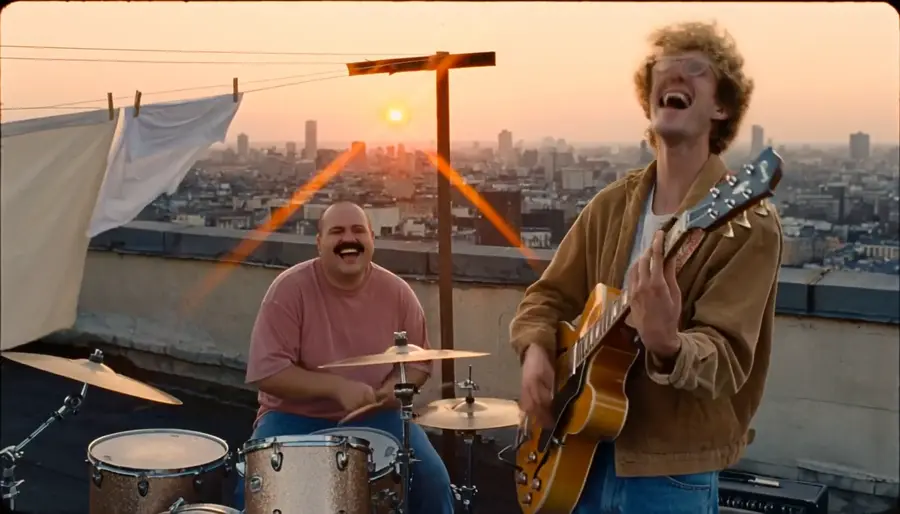
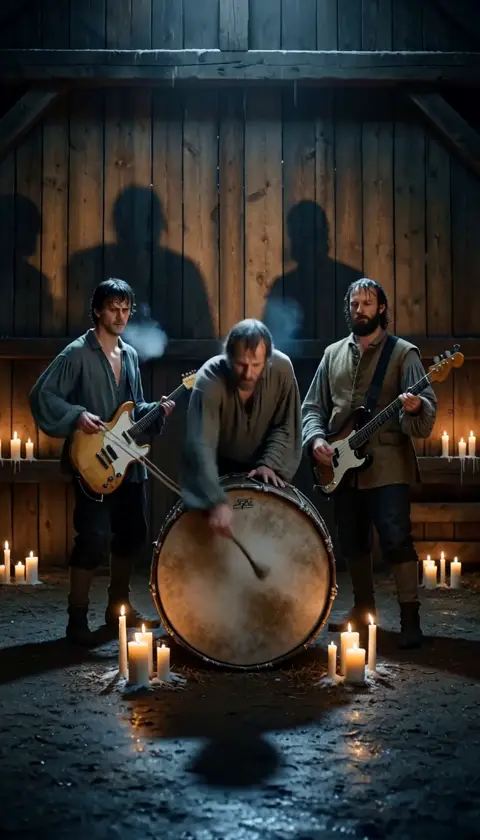
Name the decade, the lens or the stock — a 16mm gym show, a VHS camcorder dusk — and the take arrives looking like it.
概要
MiniMax H3 is the reference-driven video model behind dimly's music-video pipeline. You hand it a brief plus references — up to nine images, three clips and three audio stems — and it returns a four-to-fifteen-second take with stereo sound generated alongside the picture. When you supply reference audio, that audio comes back as the output track, which is why a dimly sequence lands already on your song.
What the reference input buys you
References are what keep a music video feeling like one film. The same character images and the same world stills feed every take in a sequence, so shot one and shot three read as the same artist in the same room. Audio references do the timing work: motion follows the track you supplied, so a snare hit or a sung line lands where the song puts it.
The trade is deliberate: H3 is a reference-first model, not a raw text-to-video toy. Write the brief across the clip — subject, action, camera, light, sound — and let the references carry identity.
Where Seedance 2.5 is the better pick
Seedance 2.5 takes first and last frames, so it is the tool when you know exactly where a move starts and ends. It runs four to thirty seconds against H3's fifteen, at 480p and 720p, and dimly runs it with its own audio generation switched off — the original song is muxed back after the render, so the master is never touched.
In practice the pairing is simple: direct character-led chorus work on H3, and use Seedance when a move needs exact endpoints or a longer runway.
MiniMax H3 on dimly
H3 sits in dimly's model picker on every plan, at 768P, 2K or 4K — higher resolutions simply cost more credits per second. Every generation is quoted in credits and confirmed by you before it runs, and takes land in the project workspace where you can revise, re-time, or send the same brief through Seedance to compare.
シンプルな料金
動画のプランニングは無料。リリースのペースに合ったプランをお選びください。
Weekly Pass
集中する 1 週間。Chorus Cut を 1〜2 本、どのモデルでも。
- 150 クレジット(当請求期間中に有効)
- ≈ Chorus Cut 2 本(15 秒)
- 全モデル・全解像度 · 同時レンダリング 2 件
- フルコーラス、Chorus Cut、リリックビデオ、ビジュアライザー
- 書き出し物の利用範囲は、ソースの権利と、生成に使ったモデル各社の規約によります
Starter
Chorus Cut を 1 か月じっくり、または短めの楽曲を 1 本。
- 600 クレジット(当請求期間中に有効)
- ≈ Chorus Cut 8 本(15 秒)
- または 2:20 までの楽曲 1 本
- 全モデル・全解像度 · 同時レンダリング 3 件
- フルコーラス、Chorus Cut、リリックビデオ、ビジュアライザー
- 書き出し物の利用範囲は、ソースの権利と、生成に使ったモデル各社の規約によります
Pro
月 1 本のフルコーラスとリテイクの余裕。リリースに必要になったら、クレジットを追加できます。
月あたりのクレジット
- 1,000 クレジット(当請求期間中に有効)
- ≈ Chorus Cut 14 本(15 秒)
- または 3 分のフルコーラス 1 曲
- 全モデル・全解像度 · 同時レンダリング 4 件
- フルコーラス、Chorus Cut、リリックビデオ、ビジュアライザー
- 書き出し物の利用範囲は、ソースの権利と、生成に使ったモデル各社の規約によります
Creator
月に複数本のフルコーラス、最大 4K に対応。
- 5,000 クレジット(当請求期間中に有効)
- ≈ Chorus Cut 72 本(15 秒)
- または ≈ 3 分のフルコーラス 6 曲
- 全モデル・全解像度 · 同時レンダリング 8 件
- フルコーラス、Chorus Cut、リリックビデオ、ビジュアライザー
- 書き出し物の利用範囲は、ソースの権利と、生成に使ったモデル各社の規約によります
クレジットパック
1 回の支払いで、サブスクリプションは不要。AI エフェクト 1 本や 1 曲のために用意しました。継続してつくる予定なら、上のプランの方が割安です。
シングル
AI エフェクト動画 1 本(Hotel Lobby、AI Rap Duo など)。
- 250 クレジット(1 年間有効)
- AI エフェクト動画 1 本(Hotel Lobby、AI Rap Duo)
- または ≈ Chorus Cut 3 本(15 秒)
- 書き出しには Dimly の透かしが入ります
- サブスクリプション不要、自動更新なし
ソング
3 分のフル MV 1 本、または AI エフェクト 3 本。
- 800 クレジット(1 年間有効)
- AI エフェクト動画 3 本(Hotel Lobby、AI Rap Duo)
- または 3 分のフルコーラス 1 曲
- 透かしなしの書き出し
- サブスクリプション不要、自動更新なし
スタジオ
2K の 3 分 MV にリテイクの余裕を添えて 1 本、または 2 曲分。
- 1,600 クレジット(1 年間有効)
- AI エフェクト動画 6 本(Hotel Lobby、AI Rap Duo)
- または ≈ 3 分のフルコーラス 2 曲
- 透かしなしの書き出し
- サブスクリプション不要、自動更新なし
見積りは MiniMax H3・768P・5 秒ショット・ショットごとのキーフレーム 1 枚・リファレンスシート 2 枚・リテイクなしの条件に基づきます。より高い解像度や Seedance は 1 本あたりのコストが上がります。レンダリングの前に正確な見積りを確認でき、失敗したレンダリングは返金されます。
よくある質問
It is dimly's reference-driven video model: you supply a brief plus up to nine reference images, three clips and three audio stems, and it returns a four-to-fifteen-second take with native stereo sound. It powers dimly's music videos, from a chorus cut to the whole song, on every plan.
Yes. When you attach reference audio, H3 returns that audio as the output track, and motion follows it — the take lands already on your master rather than on sound the model invented.
Every paid plan, from Weekly Pass up, at every resolution: 768P, 2K or 4K. Higher resolutions cost more credits per second; generation is quoted in credits and confirmed before it runs.
Four to fifteen seconds per take, six by default. A chorus cut is built from several short takes rather than one long render, which is what keeps revision loops fast.
H3 is reference-first: identity and timing come from the images, clips and audio you attach, and the audio you supply returns as the track. Seedance takes first and last frames, runs up to thirty seconds at 480p/720p, and renders silent in dimly so your original song is muxed back afterwards.
Seven: 21:9, 16:9, 4:3, 1:1, 3:4, 9:16 and adaptive, so the same references feed cinema wides, square posts and release-day verticals.
Every render is quoted before it runs — you see the credit cost and confirm it. Credits expire with your billing cycle, and planning the video itself is free.