
MiniMax H3
MiniMax 제공
Reference-driven video that keeps your song in the picture.
Native stereo sound, 768P up to 4K.
주요 기능
Your song is the soundtrack
Reference audio you supply comes back as the output track, so the take lands already on your master, not on invented sound.
Reference to video
Hold characters and scenes across shots with up to nine reference images, plus clips and audio stems, so a three-shot chorus stays one world.
Four to fifteen seconds
Each take runs four to fifteen seconds, six by default — the length a chorus cut actually needs.
Seven ratios
21:9 through 9:16 plus adaptive, so the same brief covers cinema wides and verticals for release day.
Up to 4K
768P is the working resolution, 2K unlocks on Pro, and Creator renders at up to 4K for the final master.
Native stereo
Picture and sound are predicted together, so mouth movement and beats line up with the audio you handed the model.
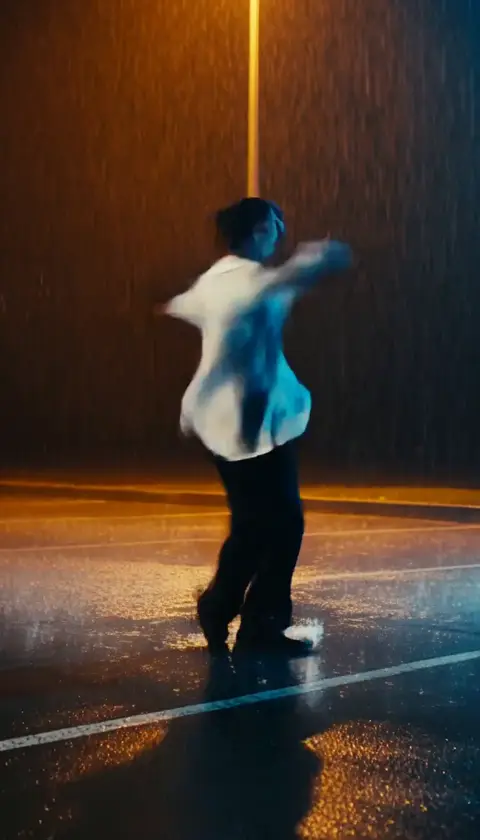
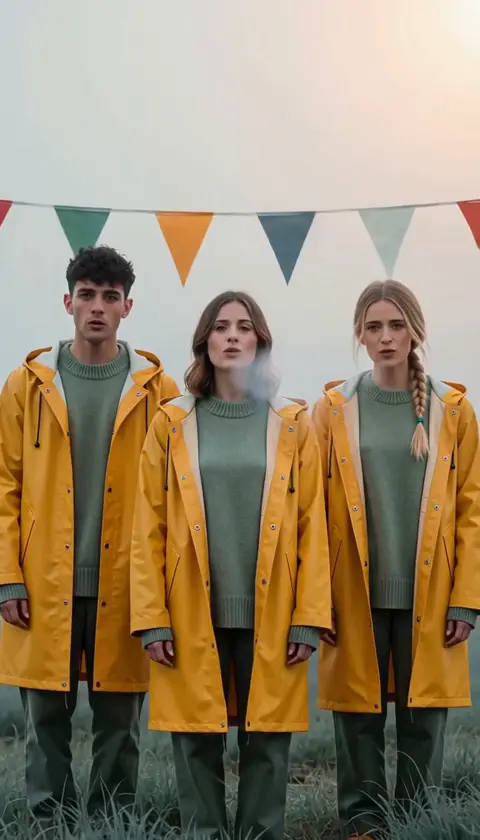
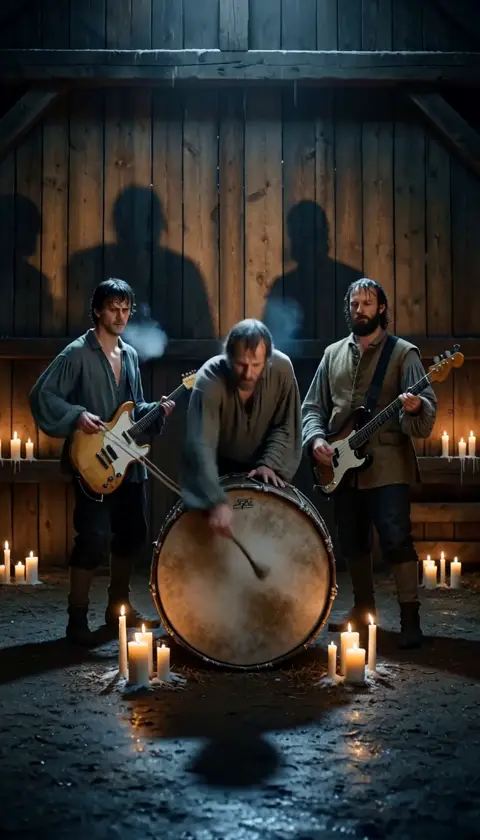
기술 사양
MiniMax H3
Reference-driven video model, served through dimly
Reference to video
Images, clips and audio drive the take
4 to 15s
Six seconds by default, the chorus-cut length
768P to 4K
Every resolution on every plan
7 ratios
21:9, 16:9, 4:3, 1:1, 3:4, 9:16, adaptive
Native stereo
Your reference audio returns as the output track
9 references
Plus up to 3 clips and 3 audio stems per take
Beat-locked
Motion follows the audio you supply, take after take
프롬프트 예시
활용 사례
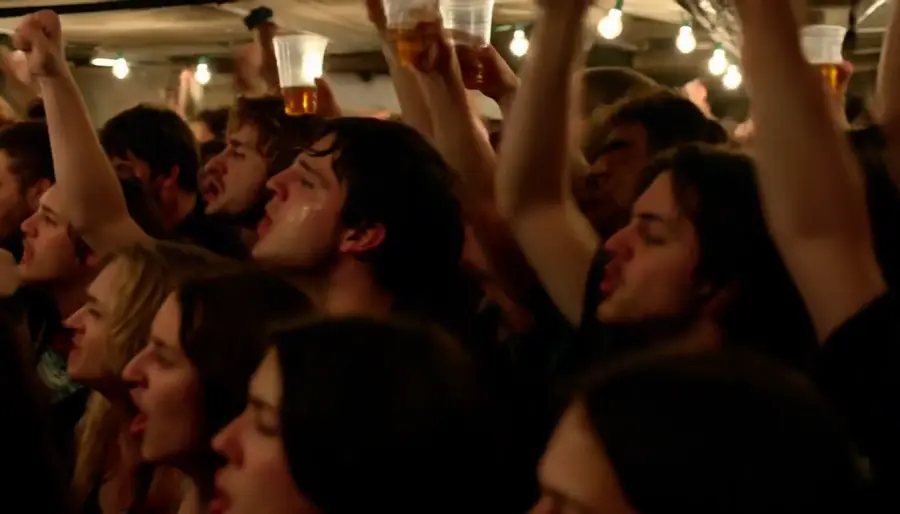
Chorus-cut three-shots
The three-shot loop around your chorus, directed as one world instead of three unrelated clips.
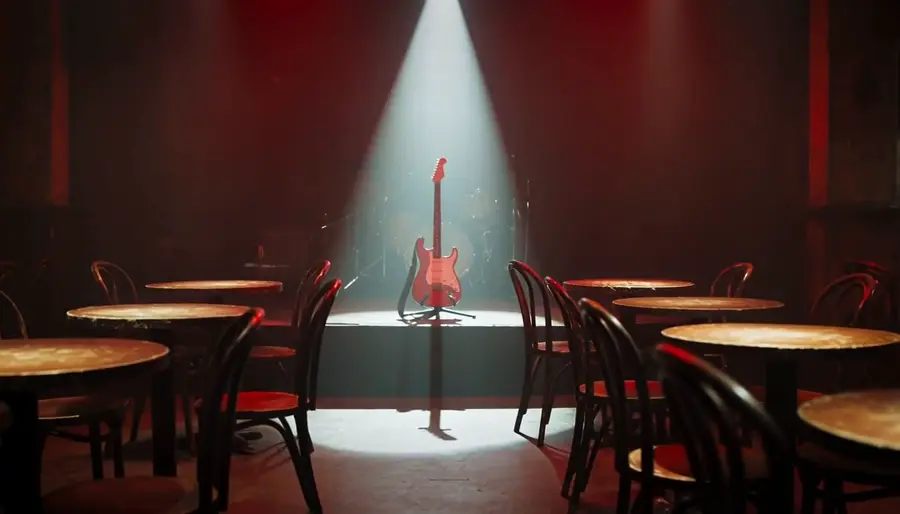
Previz before the shoot
Block the video, watch it, adjust it, watch it again — with takes cheap enough to explore a doubtful idea.
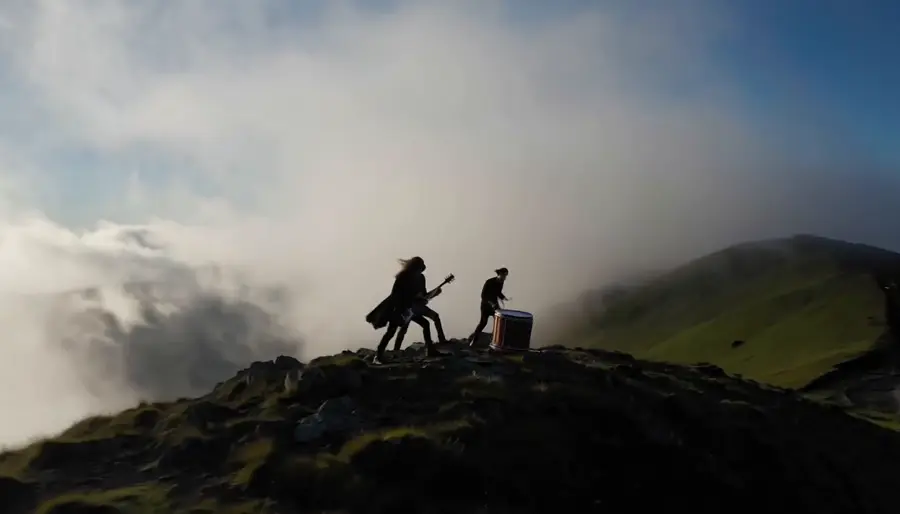
Instrumentals and post-rock
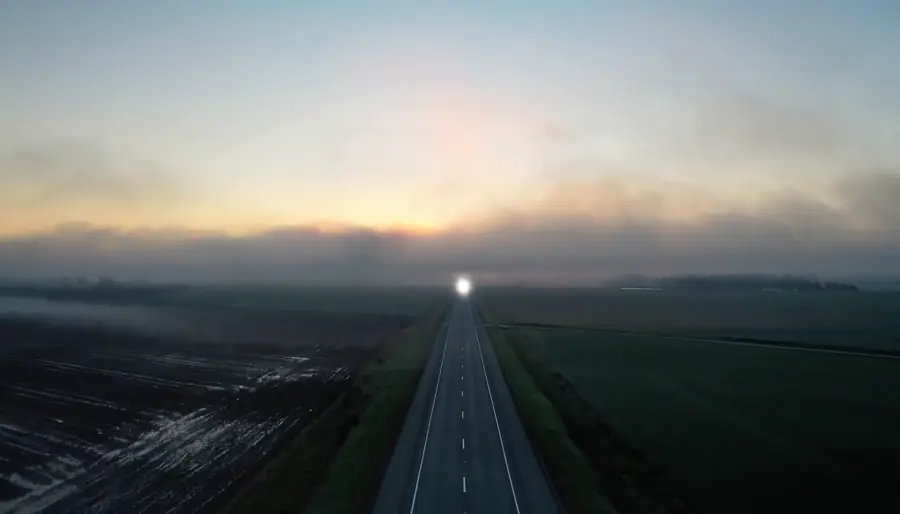
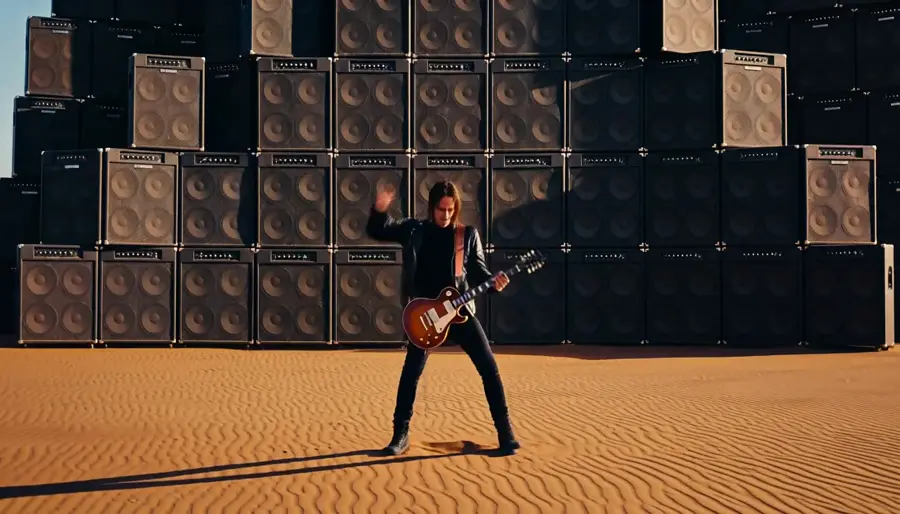
No singer needed — light, weather and a slow camera carry a track on their own.
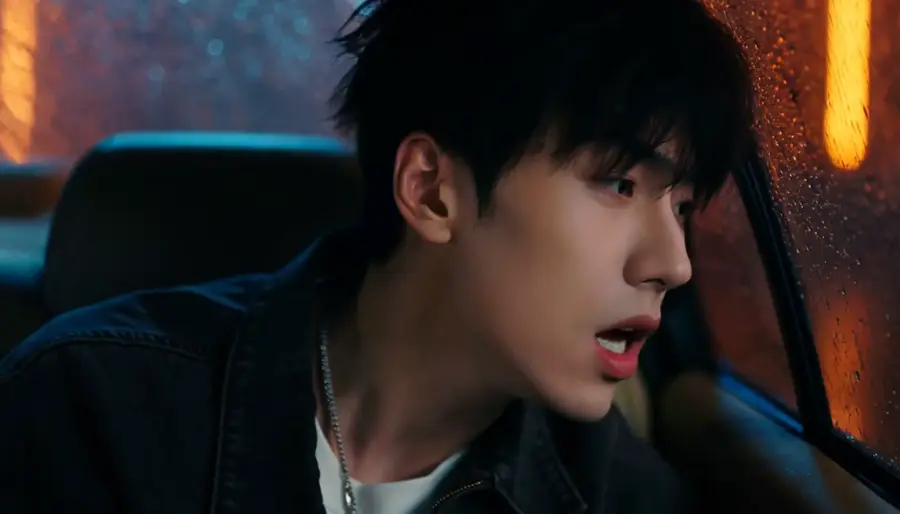
Character consistency
Keep the same artist across every shot of a sequence by feeding the same reference set.
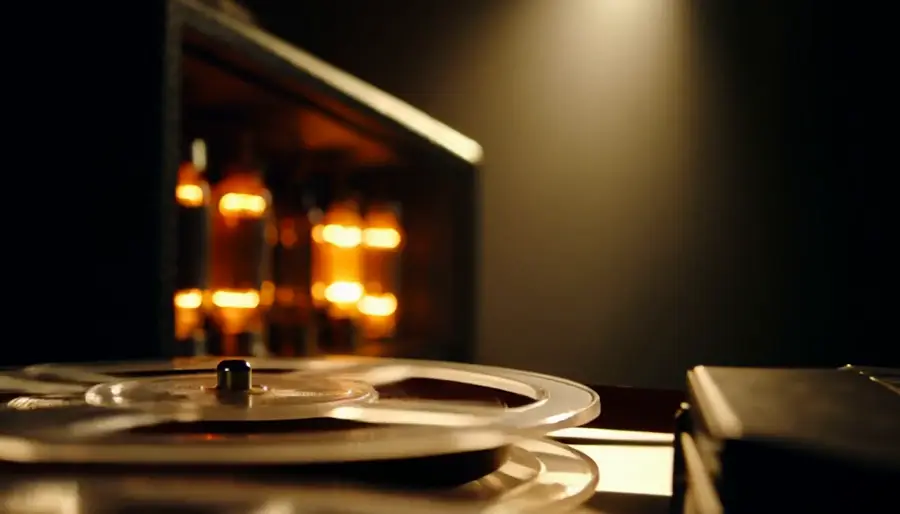
Sound-led scenes
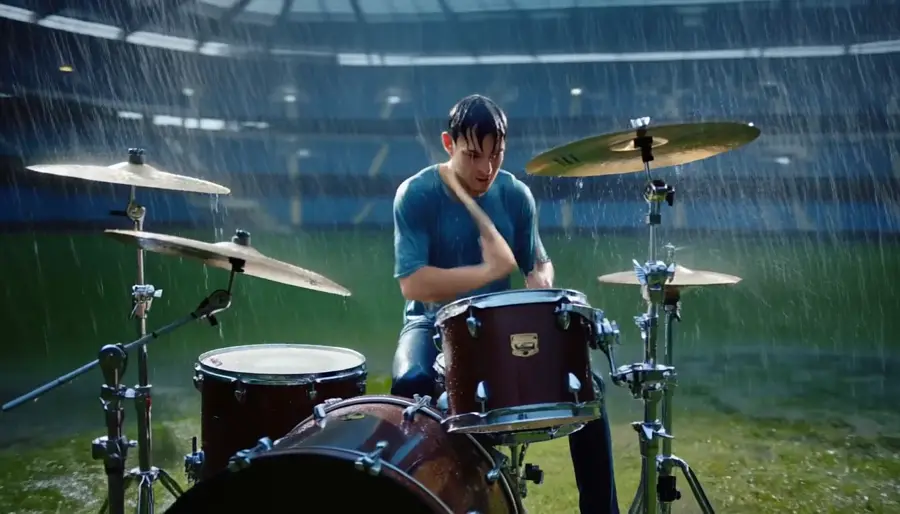
Scenes built around a precise moment — a snare, a door, a first word — arrive already carrying it.
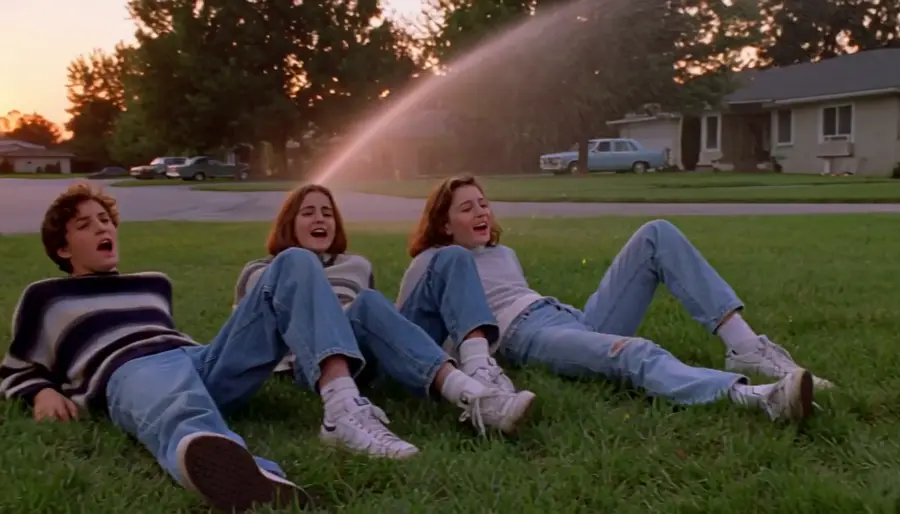
Era and film stock
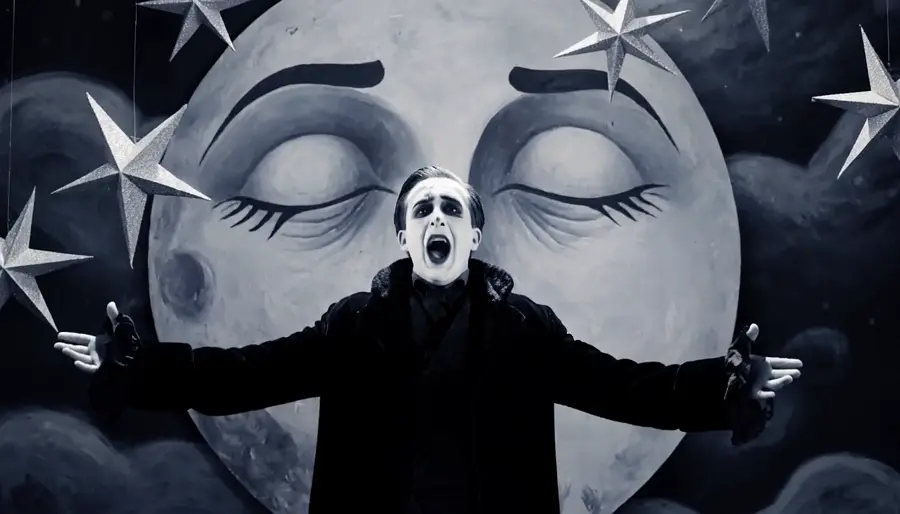
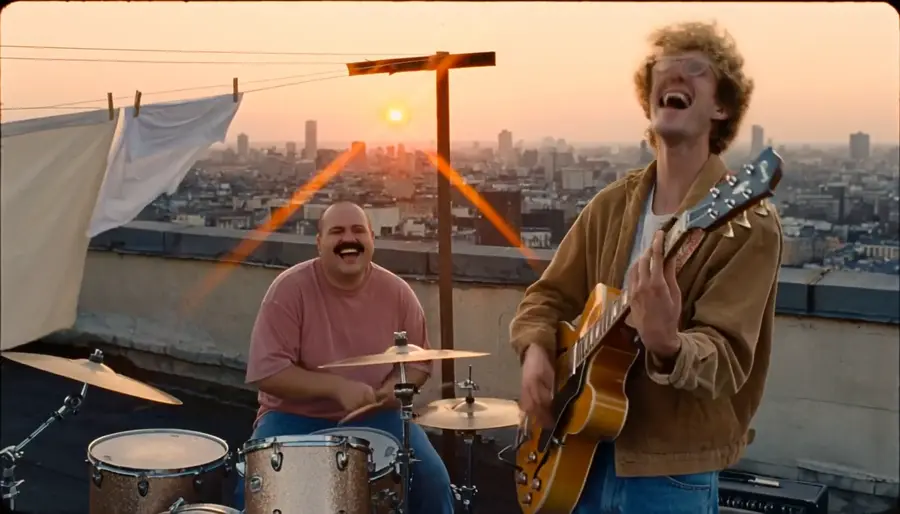
Name the decade, the lens or the stock — a 16mm gym show, a VHS camcorder dusk — and the take arrives looking like it.
개요
MiniMax H3 is the reference-driven video model behind dimly's music-video pipeline. You hand it a brief plus references — up to nine images, three clips and three audio stems — and it returns a four-to-fifteen-second take with stereo sound generated alongside the picture. When you supply reference audio, that audio comes back as the output track, which is why a dimly sequence lands already on your song.
What the reference input buys you
References are what keep a music video feeling like one film. The same character images and the same world stills feed every take in a sequence, so shot one and shot three read as the same artist in the same room. Audio references do the timing work: motion follows the track you supplied, so a snare hit or a sung line lands where the song puts it.
The trade is deliberate: H3 is a reference-first model, not a raw text-to-video toy. Write the brief across the clip — subject, action, camera, light, sound — and let the references carry identity.
Where Seedance 2.5 is the better pick
Seedance 2.5 takes first and last frames, so it is the tool when you know exactly where a move starts and ends. It runs four to thirty seconds against H3's fifteen, at 480p and 720p, and dimly runs it with its own audio generation switched off — the original song is muxed back after the render, so the master is never touched.
In practice the pairing is simple: direct character-led chorus work on H3, and use Seedance when a move needs exact endpoints or a longer runway.
MiniMax H3 on dimly
H3 sits in dimly's model picker on every plan, at 768P, 2K or 4K — higher resolutions simply cost more credits per second. Every generation is quoted in credits and confirmed by you before it runs, and takes land in the project workspace where you can revise, re-time, or send the same brief through Seedance to compare.
간단한 요금제
영상은 무료로 기획하고, 발매 일정에 맞는 플랜을 선택하세요.
Weekly Pass
집중하는 한 주: 어떤 모델로든 Chorus Cut 한두 편.
- 크레딧 150개, 이번 결제 주기 동안 유효
- Chorus Cut 약 2개(15초)
- 모든 모델과 해상도 · 한 번에 2개 생성
- 곡 전체, Chorus Cut, 가사 영상 또는 비주얼라이저
- 내보내기 권리는 원본 사용 권한과 제공사 약관에 따라 달라져요
Starter
Chorus Cut으로 채우는 한 달, 또는 짧은 곡 한 편.
- 크레딧 600개, 이번 결제 주기 동안 유효
- Chorus Cut 약 8개(15초)
- 또는 최대 2:20 길이의 곡 1편
- 모든 모델과 해상도 · 한 번에 3개 생성
- 곡 전체, Chorus Cut, 가사 영상 또는 비주얼라이저
- 내보내기 권리는 원본 사용 권한과 제공사 약관에 따라 달라져요
Pro
한 달에 곡 전체 한 편, 리테이크 여유와 함께. 발매 준비에 크레딧이 더 필요할 때도 있어요.
월간 크레딧
- 크레딧 1,000개, 이번 결제 주기 동안 유효
- Chorus Cut 약 14개(15초)
- 또는 3분 곡 전체 1편
- 모든 모델과 해상도 · 한 번에 4개 생성
- 곡 전체, Chorus Cut, 가사 영상 또는 비주얼라이저
- 내보내기 권리는 원본 사용 권한과 제공사 약관에 따라 달라져요
Creator
한 달에 곡 전체 여러 편, 최대 4K까지.
- 크레딧 5,000개, 이번 결제 주기 동안 유효
- Chorus Cut 약 72개(15초)
- 또는 3분 곡 전체 약 6편
- 모든 모델과 해상도 · 한 번에 8개 생성
- 곡 전체, Chorus Cut, 가사 영상 또는 비주얼라이저
- 내보내기 권리는 원본 사용 권한과 제공사 약관에 따라 달라져요
크레딧 팩
한 번 결제로 끝, 구독 없음. AI 이펙트 하나나 곡 한 편에 맞춘 팩이에요. 더 만들 계획이라면 위쪽 플랜이 더 알뜰해요.
싱글
Hotel Lobby나 AI 랩 듀오 같은 AI 이펙트 영상 1편.
- 크레딧 250개, 1년간 유효
- AI 이펙트 영상 1편(Hotel Lobby, AI 랩 듀오)
- 또는 Chorus Cut 약 3개(15초)
- 내보내기 영상에 Dimly 워터마크가 들어가요
- 구독 없음, 자동 갱신되지 않아요
한 곡
3분짜리 뮤직비디오 1편 또는 AI 이펙트 3편.
- 크레딧 800개, 1년간 유효
- AI 이펙트 영상 3편(Hotel Lobby, AI 랩 듀오)
- 또는 3분 곡 전체 1편
- 워터마크 없이 내보내기
- 구독 없음, 자동 갱신되지 않아요
스튜디오
2K로 완성하는 3분 뮤직비디오, 리테이크 여유까지. 또는 곡 2편.
- 크레딧 1,600개, 1년간 유효
- AI 이펙트 영상 6편(Hotel Lobby, AI 랩 듀오)
- 또는 3분 곡 전체 약 2편
- 워터마크 없이 내보내기
- 구독 없음, 자동 갱신되지 않아요
견적은 MiniMax H3 768P, 5초 숏, 숏당 키프레임 1장, 레퍼런스 시트 2장, 리테이크 없음 기준이에요. 더 높은 해상도와 Seedance는 영상당 비용이 더 들어요. 생성 전에 정확한 견적을 확인할 수 있고, 실패한 생성은 환불돼요.
자주 묻는 질문
It is dimly's reference-driven video model: you supply a brief plus up to nine reference images, three clips and three audio stems, and it returns a four-to-fifteen-second take with native stereo sound. It powers dimly's music videos, from a chorus cut to the whole song, on every plan.
Yes. When you attach reference audio, H3 returns that audio as the output track, and motion follows it — the take lands already on your master rather than on sound the model invented.
Every paid plan, from Weekly Pass up, at every resolution: 768P, 2K or 4K. Higher resolutions cost more credits per second; generation is quoted in credits and confirmed before it runs.
Four to fifteen seconds per take, six by default. A chorus cut is built from several short takes rather than one long render, which is what keeps revision loops fast.
H3 is reference-first: identity and timing come from the images, clips and audio you attach, and the audio you supply returns as the track. Seedance takes first and last frames, runs up to thirty seconds at 480p/720p, and renders silent in dimly so your original song is muxed back afterwards.
Seven: 21:9, 16:9, 4:3, 1:1, 3:4, 9:16 and adaptive, so the same references feed cinema wides, square posts and release-day verticals.
Every render is quoted before it runs — you see the credit cost and confirm it. Credits expire with your billing cycle, and planning the video itself is free.