
MiniMax H3
de MiniMax
Reference-driven video that keeps your song in the picture.
Native stereo sound, 768P up to 4K.
Características principales
Your song is the soundtrack
Reference audio you supply comes back as the output track, so the take lands already on your master, not on invented sound.
Reference to video
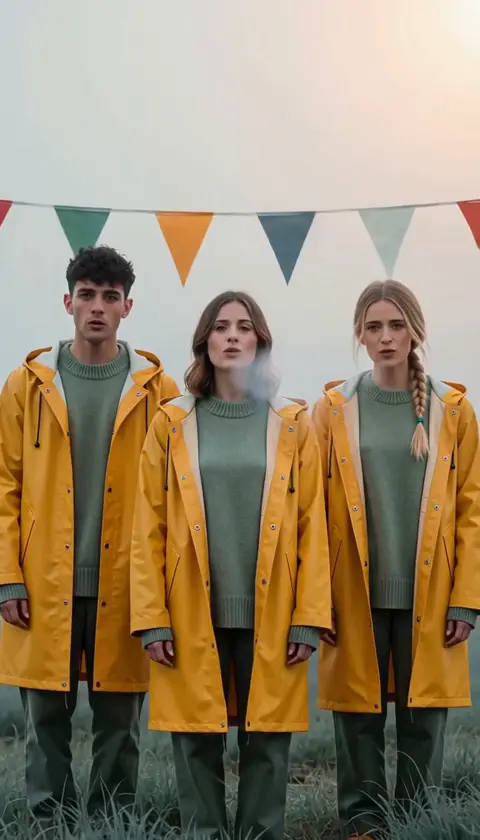
Hold characters and scenes across shots with up to nine reference images, plus clips and audio stems, so a three-shot chorus stays one world.
Four to fifteen seconds
Each take runs four to fifteen seconds, six by default — the length a chorus cut actually needs.
Seven ratios
21:9 through 9:16 plus adaptive, so the same brief covers cinema wides and verticals for release day.
Up to 4K
768P is the working resolution, 2K unlocks on Pro, and Creator renders at up to 4K for the final master.
Native stereo
Picture and sound are predicted together, so mouth movement and beats line up with the audio you handed the model.
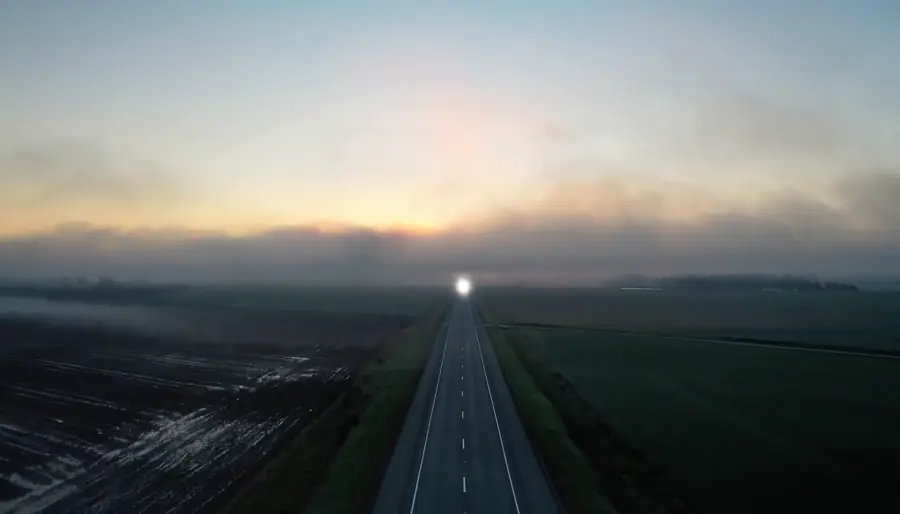
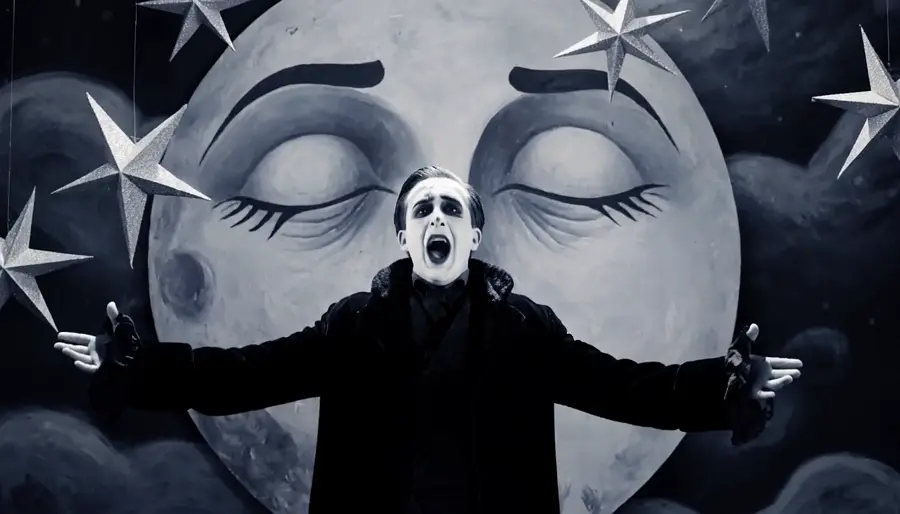
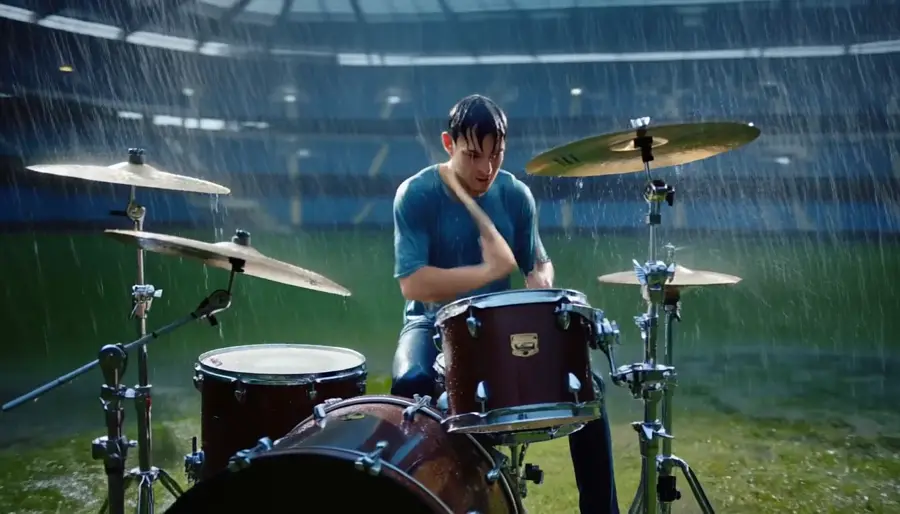
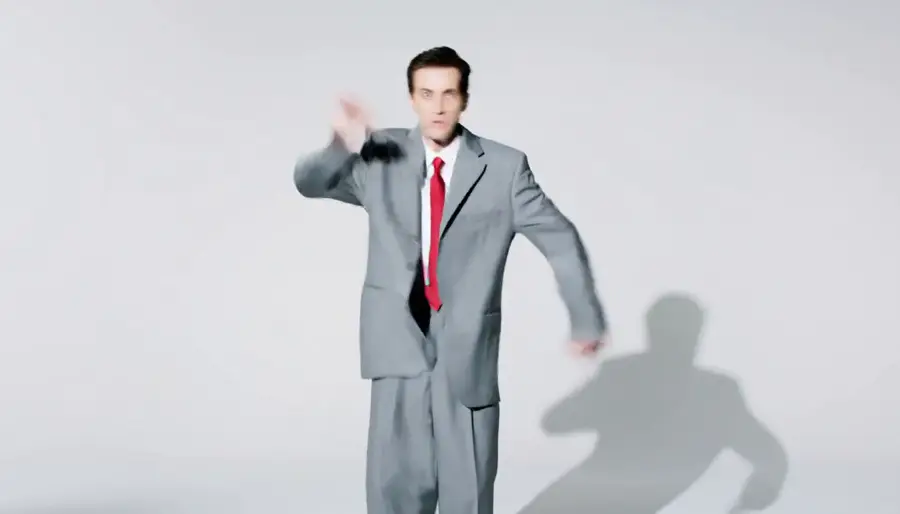
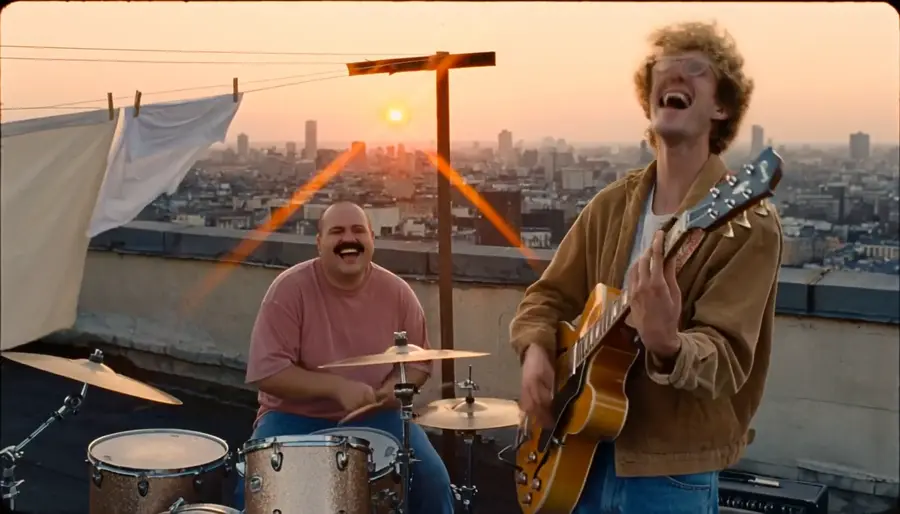
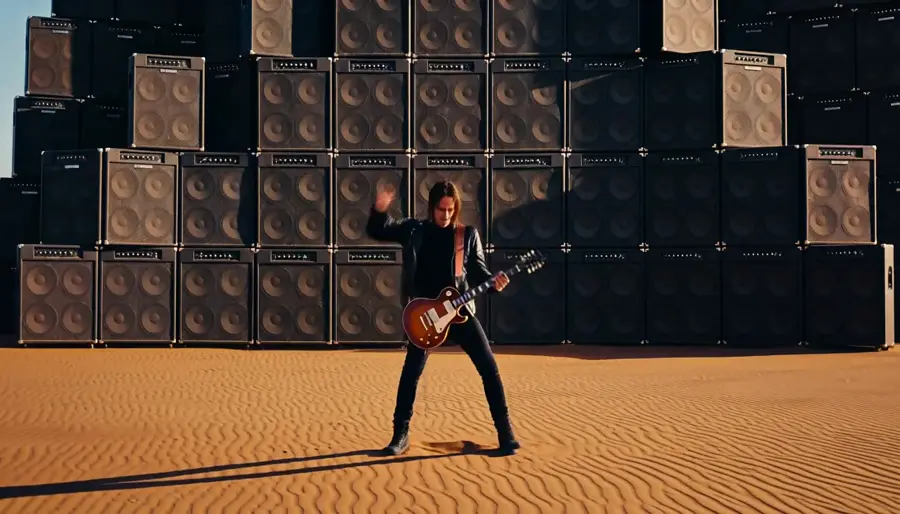
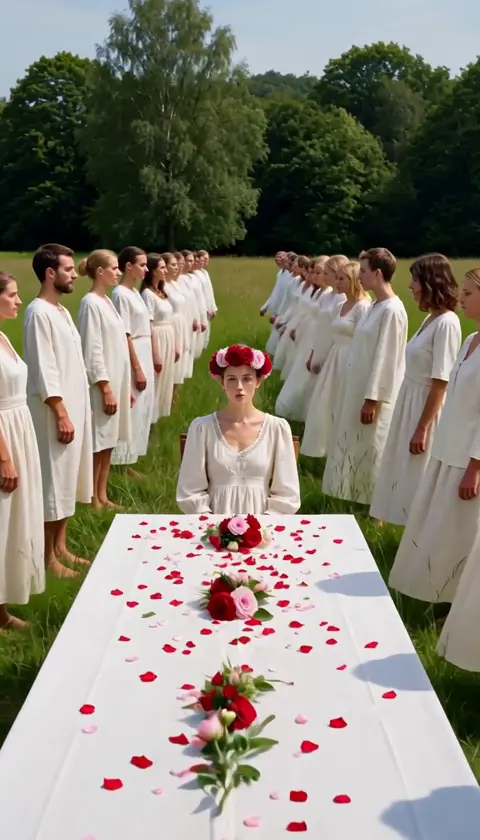
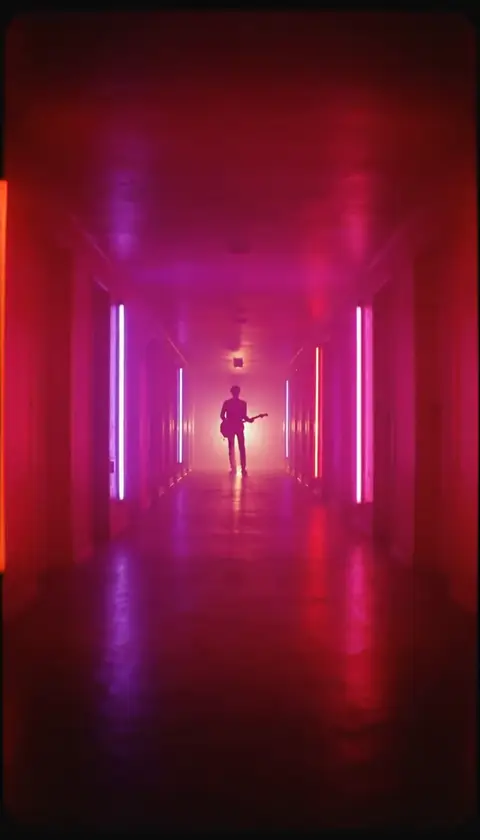
Especificaciones técnicas
MiniMax H3
Reference-driven video model, served through dimly
Reference to video
Images, clips and audio drive the take
4 to 15s
Six seconds by default, the chorus-cut length
768P to 4K
Every resolution on every plan
7 ratios
21:9, 16:9, 4:3, 1:1, 3:4, 9:16, adaptive
Native stereo
Your reference audio returns as the output track
9 references
Plus up to 3 clips and 3 audio stems per take
Beat-locked
Motion follows the audio you supply, take after take
Ejemplos de prompts
Neon chorus
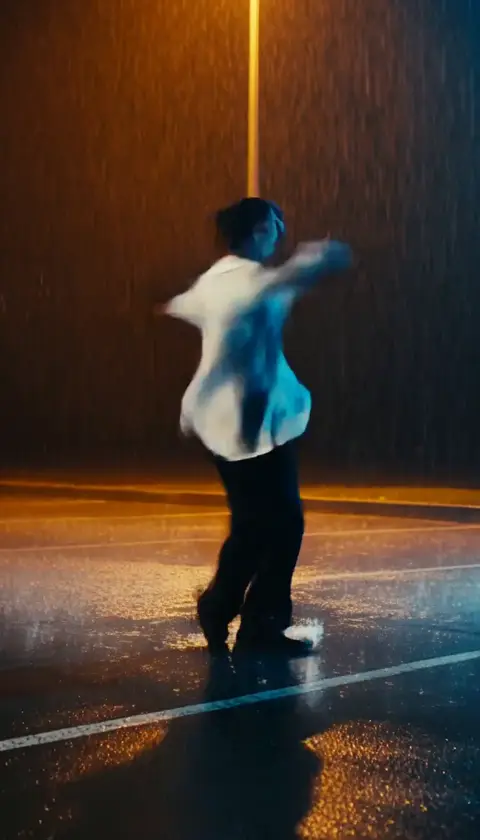
A singer turns to the camera as the chorus hits, neon signs flickering behind her
Editar promptVinyl close-up
Extreme close-up of a needle dropping onto spinning vinyl, dust in the light
Editar promptCasos de uso
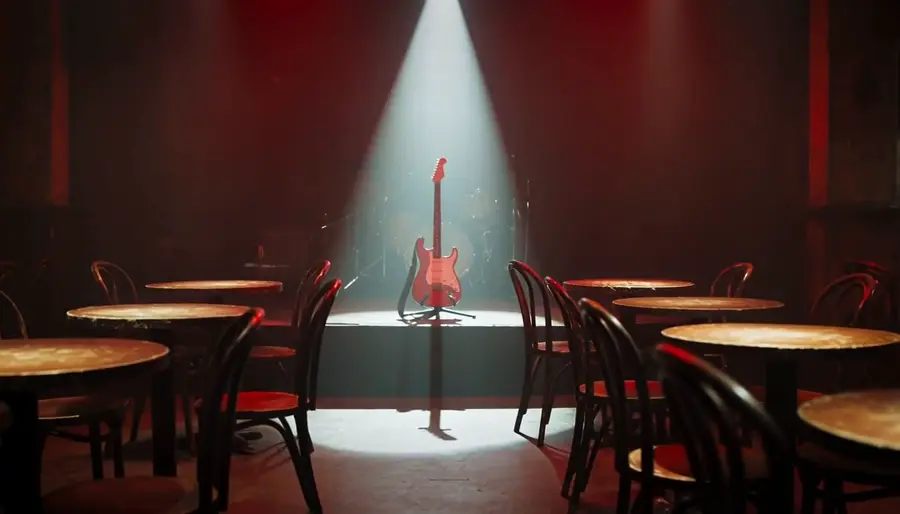
Chorus-cut three-shots
The three-shot loop around your chorus, directed as one world instead of three unrelated clips.
Previz before the shoot
Block the video, watch it, adjust it, watch it again — with takes cheap enough to explore a doubtful idea.
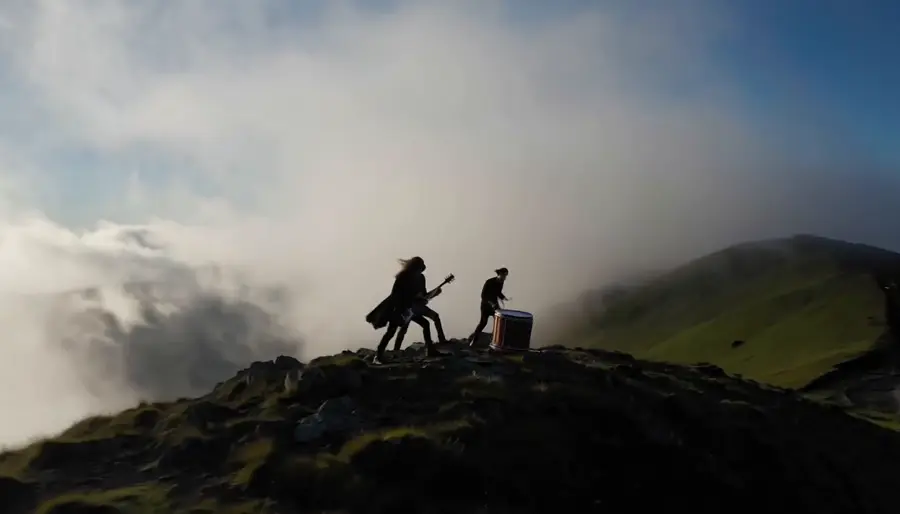
Instrumentals and post-rock
No singer needed — light, weather and a slow camera carry a track on their own.
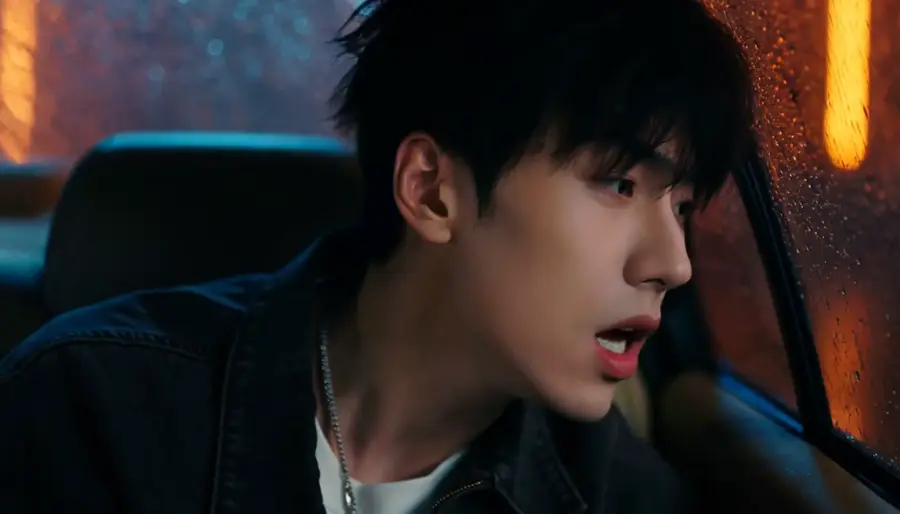
Character consistency
Keep the same artist across every shot of a sequence by feeding the same reference set.
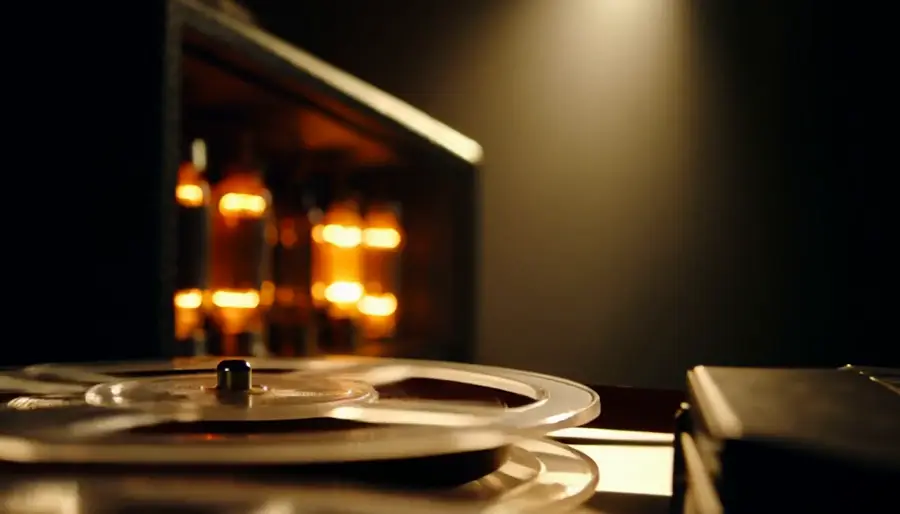
Sound-led scenes
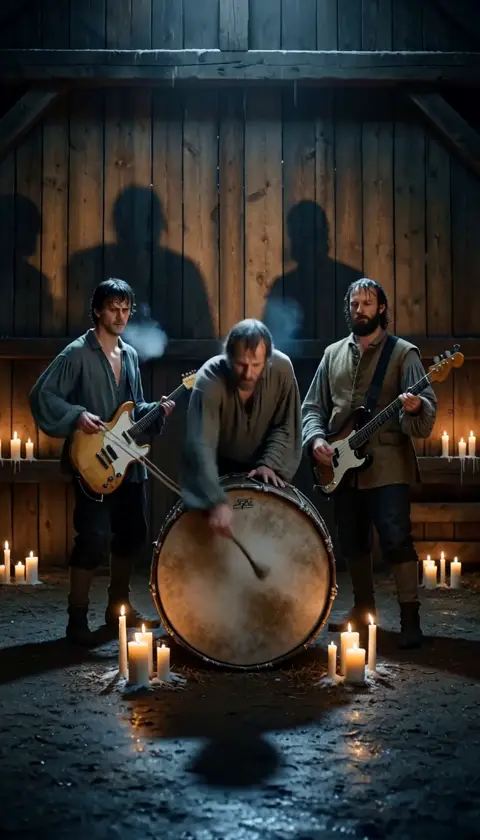
Scenes built around a precise moment — a snare, a door, a first word — arrive already carrying it.
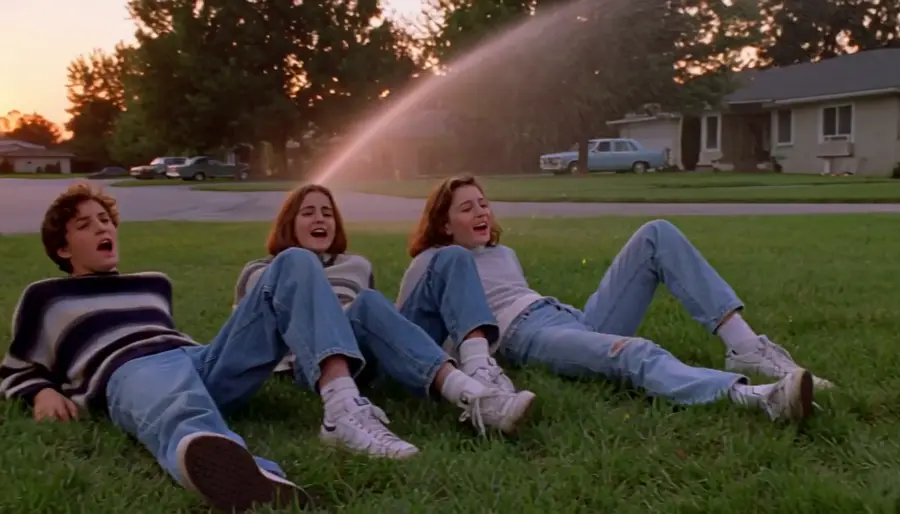
Era and film stock
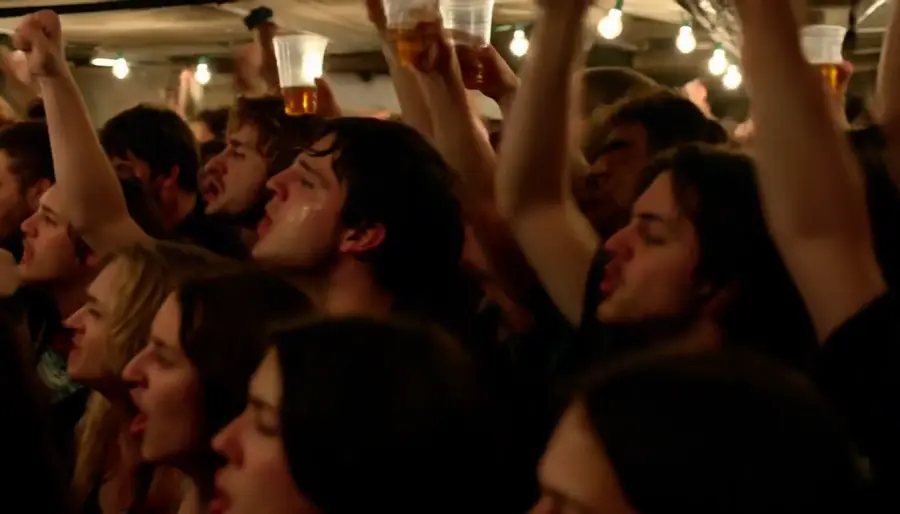
Name the decade, the lens or the stock — a 16mm gym show, a VHS camcorder dusk — and the take arrives looking like it.
Descripción general
MiniMax H3 is the reference-driven video model behind dimly's music-video pipeline. You hand it a brief plus references — up to nine images, three clips and three audio stems — and it returns a four-to-fifteen-second take with stereo sound generated alongside the picture. When you supply reference audio, that audio comes back as the output track, which is why a dimly sequence lands already on your song.
What the reference input buys you
References are what keep a music video feeling like one film. The same character images and the same world stills feed every take in a sequence, so shot one and shot three read as the same artist in the same room. Audio references do the timing work: motion follows the track you supplied, so a snare hit or a sung line lands where the song puts it.
The trade is deliberate: H3 is a reference-first model, not a raw text-to-video toy. Write the brief across the clip — subject, action, camera, light, sound — and let the references carry identity.
Where Seedance 2.5 is the better pick
Seedance 2.5 takes first and last frames, so it is the tool when you know exactly where a move starts and ends. It runs four to thirty seconds against H3's fifteen, at 480p and 720p, and dimly runs it with its own audio generation switched off — the original song is muxed back after the render, so the master is never touched.
In practice the pairing is simple: direct character-led chorus work on H3, and use Seedance when a move needs exact endpoints or a longer runway.
MiniMax H3 on dimly
H3 sits in dimly's model picker on every plan, at 768P, 2K or 4K — higher resolutions simply cost more credits per second. Every generation is quoted in credits and confirmed by you before it runs, and takes land in the project workspace where you can revise, re-time, or send the same brief through Seedance to compare.
Precios sencillos
Planifica tu video gratis y luego elige el plan que se ajuste a tu calendario de lanzamientos.
Weekly Pass
Una semana enfocada: uno o dos Chorus Cut, en cualquier modelo.
- 150 créditos, vigentes durante este período de facturación
- ≈ 2 Chorus Cut (15 s)
- Todos los modelos y resoluciones · 2 renders a la vez
- Canción completa, Chorus Cut, video con letra o visualizador
- Los derechos de exportación dependen de tus permisos de origen y los términos del proveedor
Starter
Un mes constante de Chorus Cut, o una canción más corta.
- 600 créditos, vigentes durante este período de facturación
- ≈ 8 Chorus Cut (15 s)
- o una canción de hasta 2:20
- Todos los modelos y resoluciones · 3 renders a la vez
- Canción completa, Chorus Cut, video con letra o visualizador
- Los derechos de exportación dependen de tus permisos de origen y los términos del proveedor
Pro
Una canción completa al mes con margen para repetir tomas, y más créditos cuando el lanzamiento los pida.
Créditos al mes
- 1,000 créditos, vigentes durante este período de facturación
- ≈ 14 Chorus Cut (15 s)
- o 1 canción completa de 3 min
- Todos los modelos y resoluciones · 4 renders a la vez
- Canción completa, Chorus Cut, video con letra o visualizador
- Los derechos de exportación dependen de tus permisos de origen y los términos del proveedor
Creator
Varias canciones completas al mes, hasta en 4K.
- 5,000 créditos, vigentes durante este período de facturación
- ≈ 72 Chorus Cut (15 s)
- o ≈ 6 canciones completas de 3 min
- Todos los modelos y resoluciones · 8 renders a la vez
- Canción completa, Chorus Cut, video con letra o visualizador
- Los derechos de exportación dependen de tus permisos de origen y los términos del proveedor
Paquetes de créditos
Paga una vez, sin suscripción. Pensados para un solo efecto de IA o una canción; si vas a crear más, cualquier plan de arriba conviene más.
Individual
Un video con efecto de IA, como Hotel Lobby o el dúo de rap con IA.
- 250 créditos, válidos por 1 año
- 1 video con efecto de IA (Hotel Lobby, dúo de rap con IA)
- o ≈ 3 Chorus Cut (15 s)
- Las exportaciones llevan la marca de agua de Dimly
- Sin suscripción, nunca se renueva
Canción
Un video musical completo de 3 minutos, o tres efectos de IA.
- 800 créditos, válidos por 1 año
- 3 videos con efectos de IA (Hotel Lobby, dúo de rap con IA)
- o 1 canción completa de 3 min
- Exportaciones sin marca de agua
- Sin suscripción, nunca se renueva
Estudio
Un video musical de 3 minutos en 2K con margen para repetir tomas, o dos canciones.
- 1,600 créditos, válidos por 1 año
- 6 videos con efectos de IA (Hotel Lobby, dúo de rap con IA)
- o ≈ 2 canciones completas de 3 min
- Exportaciones sin marca de agua
- Sin suscripción, nunca se renueva
Las estimaciones usan MiniMax H3 a 768P con tomas de 5 segundos, un keyframe por toma, dos hojas de referencia y sin repeticiones; las resoluciones más altas y Seedance cuestan más por video. Ves el presupuesto exacto antes de renderizar nada, y los renders fallidos se reembolsan.
Preguntas frecuentes
It is dimly's reference-driven video model: you supply a brief plus up to nine reference images, three clips and three audio stems, and it returns a four-to-fifteen-second take with native stereo sound. It powers dimly's music videos, from a chorus cut to the whole song, on every plan.
Yes. When you attach reference audio, H3 returns that audio as the output track, and motion follows it — the take lands already on your master rather than on sound the model invented.
Every paid plan, from Weekly Pass up, at every resolution: 768P, 2K or 4K. Higher resolutions cost more credits per second; generation is quoted in credits and confirmed before it runs.
Four to fifteen seconds per take, six by default. A chorus cut is built from several short takes rather than one long render, which is what keeps revision loops fast.
H3 is reference-first: identity and timing come from the images, clips and audio you attach, and the audio you supply returns as the track. Seedance takes first and last frames, runs up to thirty seconds at 480p/720p, and renders silent in dimly so your original song is muxed back afterwards.
Seven: 21:9, 16:9, 4:3, 1:1, 3:4, 9:16 and adaptive, so the same references feed cinema wides, square posts and release-day verticals.
Every render is quoted before it runs — you see the credit cost and confirm it. Credits expire with your billing cycle, and planning the video itself is free.