
YouTube release
Give a track an AI-generated visual sequence with audio-driven motion, with exports up to 10 minutes.
Turn any song into a music visualizer. Import from Suno or upload a track, and Dimly renders audio-reactive motion into a finished music visualizer video.
02ROOM FOR THE EAR
A recording already contains movement: a sharp attack, a sustained sound, a quiet space. A waveform lets some of that movement be seen.
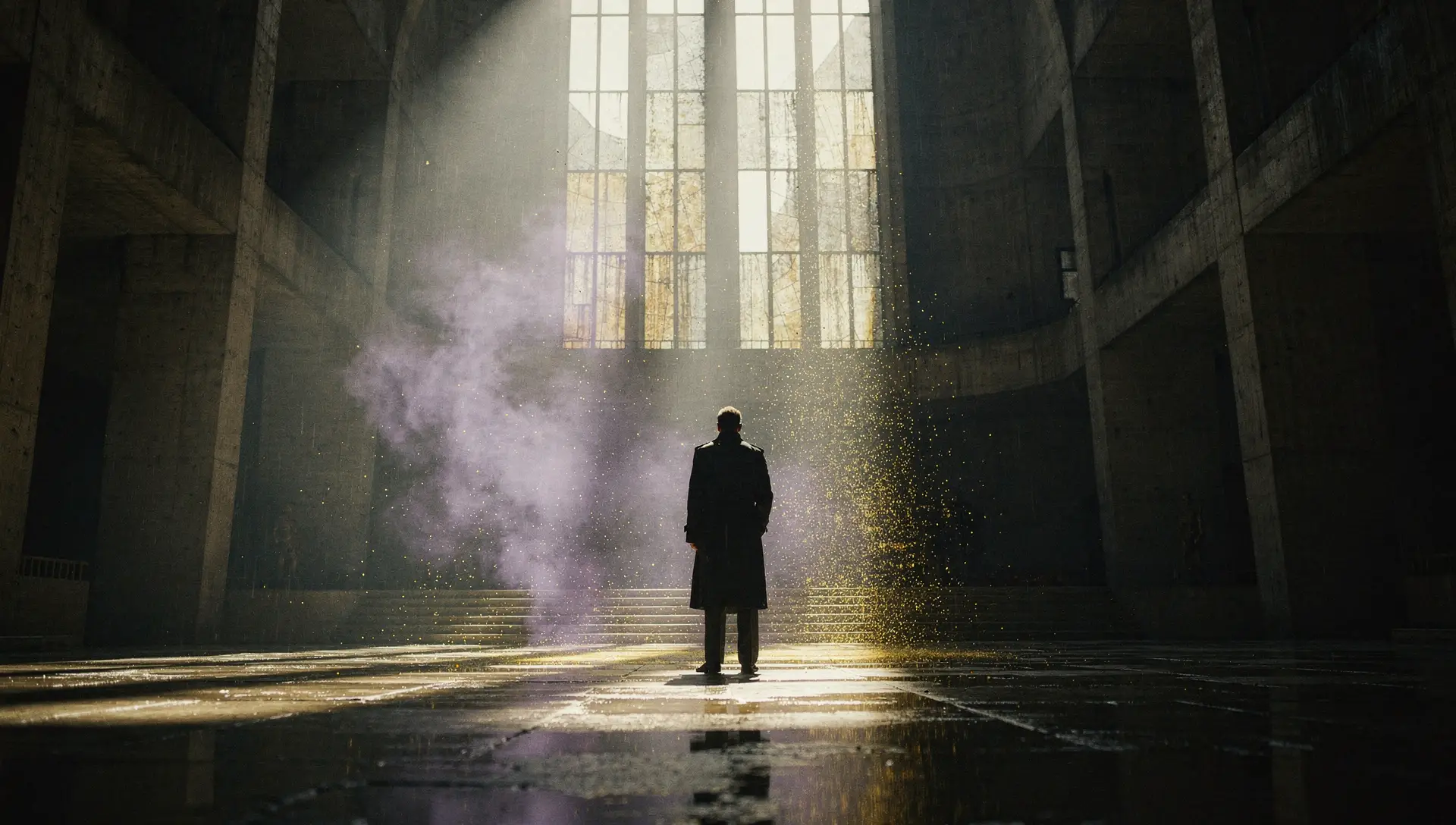
Dimly's AI visual language leaves room for listening. It can build a world around the track, then let the changing trace of the sound control the visual pulse. The recording supplies the movement; the generated images give it somewhere to travel.
Waveform peaks follow the audio signal. A louder passage opens the shape; a quieter one draws it inward. That response becomes one layer of an AI-generated sequence, so an instrumental can carry a visual arc without needing lyrics.
03LISTEN, THEN RENDER
Pulse waveform
Dimly's AI director maps the song into a visual sequence, while waveform, bars or ripple motion responds to its energy. Review the visual direction, save the edit and check the film quote before rendering.
04WHERE IT PLAYS
Give a track an AI-generated visual sequence with audio-driven motion, with exports up to 10 minutes.
Add the rendered MP4 to a listening session or stream. The visual sequence and its audio response are rendered together.
Play a rendered AI visualizer on an event screen, with movement shaped by the track.
Export a vertical or square AI visualizer clip with your source audio.
05THE FRAME AND THE LISTENER
Where a song is watched changes how its picture is read. Choose a frame for the space it will occupy.
YouTube / Listening sessions
A horizontal frame gives a lyric line or a waveform room to spread out. It suits a video played on a laptop, a television or a landscape screen, where the listener can settle into a longer passage.
Reels / Shorts / TikTok
A portrait frame occupies more of a phone held upright. Short phrases have space to be read at a glance. For a lyric release, shorter lines also leave more room around the words on a narrow screen.
Feeds / Release announcements
A square sits comfortably among artwork and release posts. Its balanced proportions hold attention near the centre, making it a useful companion to a single announcement, a listening invitation or a short track introduction.
All three formats retain your source audio and export as 720p, 30fps MP4. Export length is 1-600 seconds from the start of the uploaded recording. Dimly provides the file; you choose where to publish it.
06THE SONG COMES FIRST
Some releases lead with a lyric. Others need the movement of sound, or a world built around a performance. Start with what deserves the listener's attention.
When the words lead
For a verse worth reading twice, a refrain that carries the song, or a release centred on the writing. The same AI director generates the visual sequence; supplied or corrected line timings bring the lyrics into it.
A Suno link or recording, with imported or recognized lyrics.
When the sound leads
For an instrumental, a texture-led track or a listening session where sound should hold the foreground. The same AI director generates the visual sequence, with audio-reactive motion and no lyric file required.
A Suno link or recording; no lyric file required.
When a world takes shape
For a song that calls for people, places, light and a considered edit. The same crew begins with a conversation, develops a treatment and timed shots, and carries those decisions into the video workflow.
A song and a direction to develop with Dimly.
All three forms open in the same Dimly workspace and share one crew, one account and one set of credits. Their emphasis changes; the way they are directed, assembled and exported stays connected.
07WHAT THE TOOL DOES
No timeline editing and no footage to shoot. The visualizer is a render you configure, preview and download.
Paste a Suno link or upload the MP3, WAV or M4A you own. The AI director reads the song and maps a visual sequence across all of it.
The generated visuals respond to the track's energy — a louder passage opens the frame, a quieter one draws it in. The original song plays through the render.
Export a 720p MP4 in 16:9, 9:16 or 1:1 with your source audio, up to 10 minutes from the start of the track. It is yours to upload anywhere.
08VISUALIZER FAQ
Import a Suno song link or upload an MP3, WAV or M4A recording. You must own the music or have permission to use it. Spotify imports are not supported.
The AI-generated visual sequence covers the song, while its waveform, frequency or ripple motion responds to the audio. The original song plays continuously through the render.
Choose a waveform, frequency bars or ripples, with adjustable color and intensity. The preview and export use your saved settings. Artist text and logo overlays are not available yet.
Both are made with the same Dimly direction and workflow. A visualizer keeps audio-driven movement in the foreground; choose lyric video when the words lead, or full MV when the story and shots lead.
Planning a visualizer is free, and the free preview includes one watermarked pilot on a lower-cost model. Renders and exports carry credit quotes that you confirm before they run.
Yes. The rendered MP4 is yours to upload — 16:9 for a full-length release, 9:16 for a Short. Dimly does not publish for you; you choose the channel.