
Lyrics that stay in time
Review imported or recognized timing and adjust each line's words, entrance and exit. Instrumental gaps remain part of the arrangement.
Create a lyric video from any song — import a Suno track or upload a recording, and Dimly's AI director syncs every line into a finished lyric video.
02A PLACE FOR THE WORDS
A familiar line can bring back a whole room. A lyric video gives that line a place to be seen.
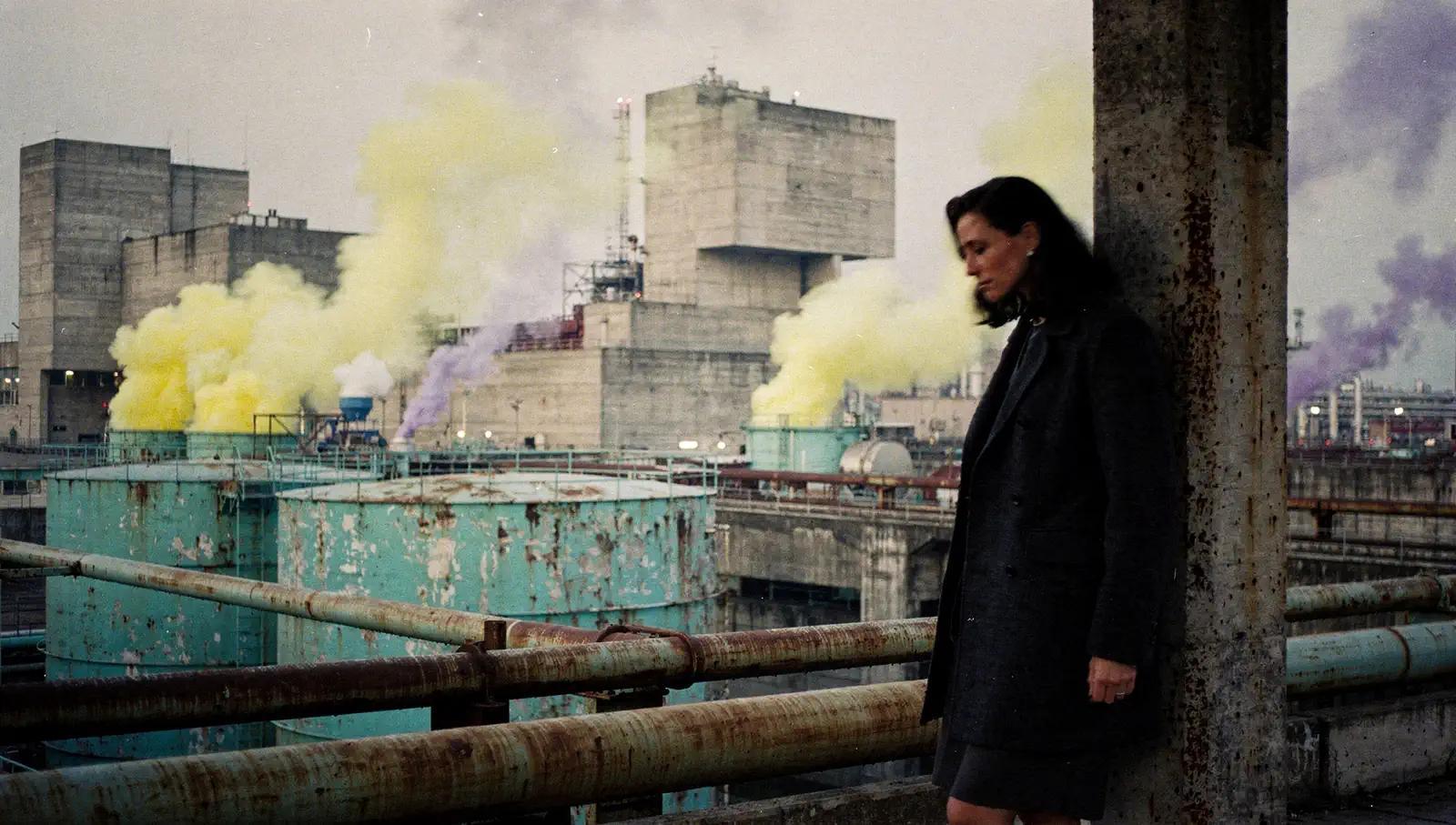
Dimly begins by listening, then gives the song a visual world. Its AI director can build faces, streets and changes of light across the full track; the lyric layer keeps attention close to the writing while the images carry the atmosphere.
A line can arrive with the voice and stay through a held note. Imported or recognized timing gives the AI-directed sequence a clear lyrical rhythm, while your corrections keep every entrance and pause faithful to the song.
03FROM SONG TO SCREEN
A song, its words, and an AI-generated visual world shaped around them.
Import a Suno link or upload an MP3, WAV or M4A recording you own or are allowed to use.
Dimly reads the song's structure and proposes a continuous sequence of shots. Review the lyric timing and visual direction in the workspace.
Adjust the words and visual emphasis, review the film quote for the render, and confirm it.
04MADE FOR THE WORDS
Review imported or recognized timing and adjust each line's words, entrance and exit. Instrumental gaps remain part of the arrangement.
Set the type, size, color and alignment so each line supports the AI-directed visual sequence.
The exported video keeps the selected source audio as the soundtrack.
720p MP4 in 16:9, 9:16 or 1:1, up to 10 minutes from the start of your track.
05THE FRAME AND THE LISTENER
Where a song is watched changes how its picture is read. Choose a frame for the space it will occupy.
YouTube / Listening sessions
A horizontal frame gives a lyric line or a waveform room to spread out. It suits a video played on a laptop, a television or a landscape screen, where the listener can settle into a longer passage.
Reels / Shorts / TikTok
A portrait frame occupies more of a phone held upright. Short phrases have space to be read at a glance. For a lyric release, shorter lines also leave more room around the words on a narrow screen.
Feeds / Release announcements
A square sits comfortably among artwork and release posts. Its balanced proportions hold attention near the centre, making it a useful companion to a single announcement, a listening invitation or a short track introduction.
All three formats retain your source audio and export as 720p, 30fps MP4. Export length is 1-600 seconds from the start of the uploaded recording. Dimly provides the file; you choose where to publish it.
06THE SONG COMES FIRST
Some releases lead with a lyric. Others need the movement of sound, or a world built around a performance. Start with what deserves the listener's attention.
When the words lead
For a verse worth reading twice, a refrain that carries the song, or a release centred on the writing. The same AI director generates the visual sequence; supplied or corrected line timings bring the lyrics into it.
A Suno link or recording, with imported or recognized lyrics.
When the sound leads
For an instrumental, a texture-led track or a listening session where sound should hold the foreground. The same AI director generates the visual sequence, with audio-reactive motion and no lyric file required.
A Suno link or recording; no lyric file required.
When a world takes shape
For a song that calls for people, places, light and a considered edit. The same crew begins with a conversation, develops a treatment and timed shots, and carries those decisions into the video workflow.
A song and a direction to develop with Dimly.
All three forms open in the same Dimly workspace and share one crew, one account and one set of credits. Their emphasis changes; the way they are directed, assembled and exported stays connected.
07HOW SYNC WORKS
Every lyric video lives or dies on timing. Dimly gives each line a start and an end before anything renders, and keeps you in charge of both.
An LRC file carries each line's start and end, so the words land where the song put them. Import one alongside the audio and the timeline is ready for review.
When the alignment service is available, Dimly listens to the recording and proposes timed lines against the song's own lyrics. You review the proposal before anything is saved.
Adjust each line's words, entrance and exit in the workspace. Instrumental gaps stay part of the arrangement — the video breathes when the song does.
08LYRIC VIDEO FAQ
Yes. Edit each line's text, start and end in the workspace. You can import an LRC file or request lyric recognition when the analysis service is available. Review recognized lyrics before saving.
Yes. Bring your own lyrics or correct the imported text and timing in the workspace. You must have permission to use the recording and lyrics.
AI-generated clips cover the song while animated lyrics lead the frame, with your original audio. Generation and export have separate credit quotes. Exports are 720p MP4 in 16:9, 9:16 or 1:1, up to 10 minutes.
No. Dimly provides the rendered file. You choose where and how to publish it.
Planning a lyric video is free, and the free preview includes one watermarked pilot rendered on a lower-cost model. Full renders and exports carry credit quotes that you confirm before anything runs.
Pick 16:9 for YouTube and desktop playback, 9:16 for Shorts, Reels and TikTok, and 1:1 for feed posts. The lyric layer and the AI-directed sequence are composed for the frame you choose.
Only songs you own or have permission to use — your own Suno creations, licensed tracks or original recordings. You bring the rights; Dimly brings the render.