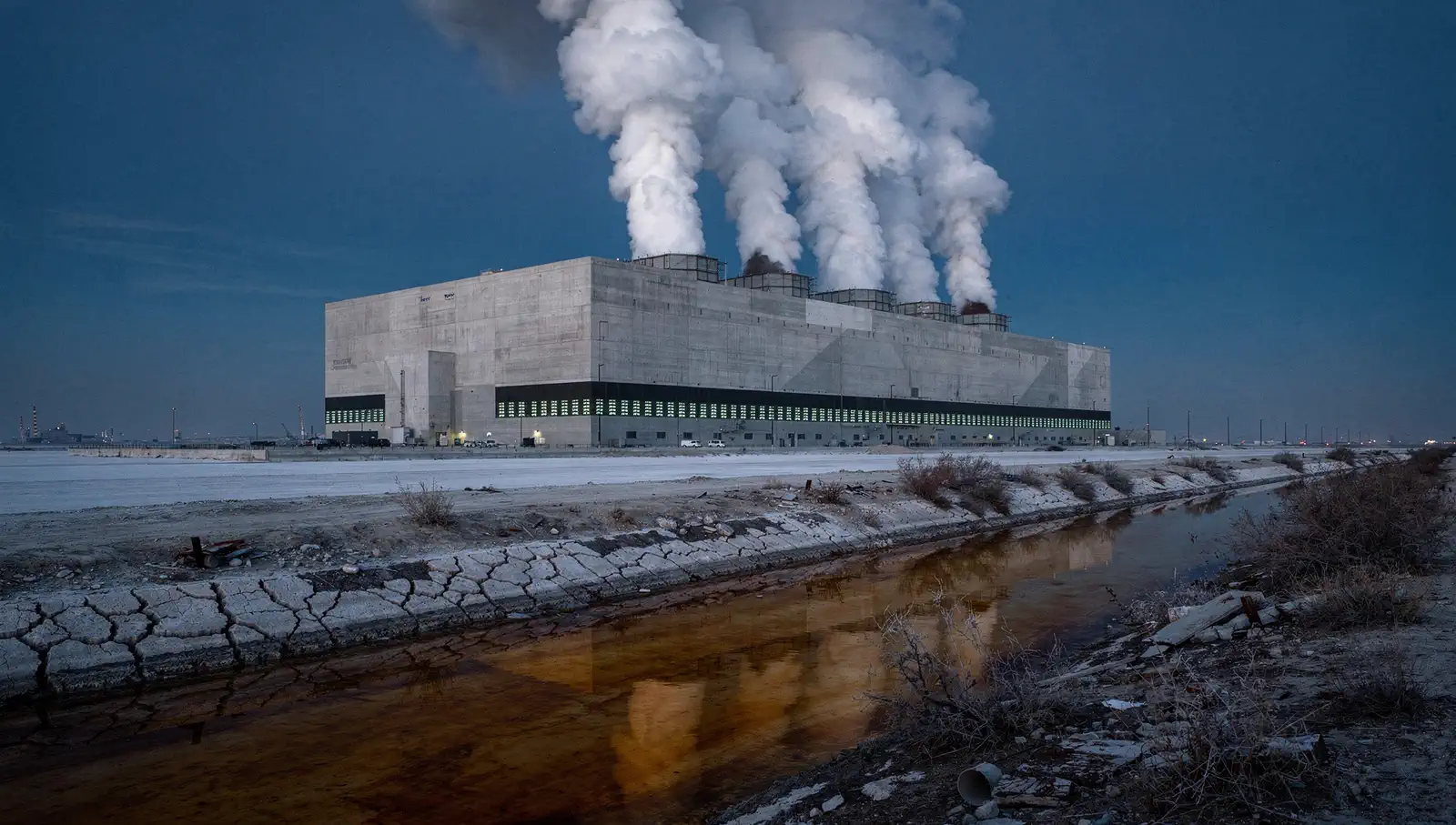
The No Guidance dance trend · One photo in
No Guidance Dance AI
写真1枚 · 7秒 · 9:16 · 音なし
あなたの写真
はっきり写った写真を使用してください。縦型9:16にクロップされます。
無音動画 · 追加するサウンド: No Guidance – Chris Brown ft. Drake
約3〜8分。失敗した場合はクレジットを返却します。
このエフェクトで作った画像です。あなたの動画には写真の人物が登場します。
Add one photo. AI puts you in a train carriage aisle while passengers film, then you do the No Guidance train dance: hands behind your head, slow hip swings, a turn, a knee lift and a low bounce, eyes on the lens. 7 seconds, vertical and silent: add the trend's sound when you post.
- You, in your own clothes
- The train dance, full body, one shot
- Silent, ready for the trend's sound
01Made with this generator
No Guidance Dance AI Videos Made From One Photo
A woman in charcoal grey
Made from the photo below. She dances down a train aisle while passengers film: hands behind the head, hip swings, a turn and a low bounce. A silent 7-second sample.
02Before and after
From One Photo to the Opening Shot
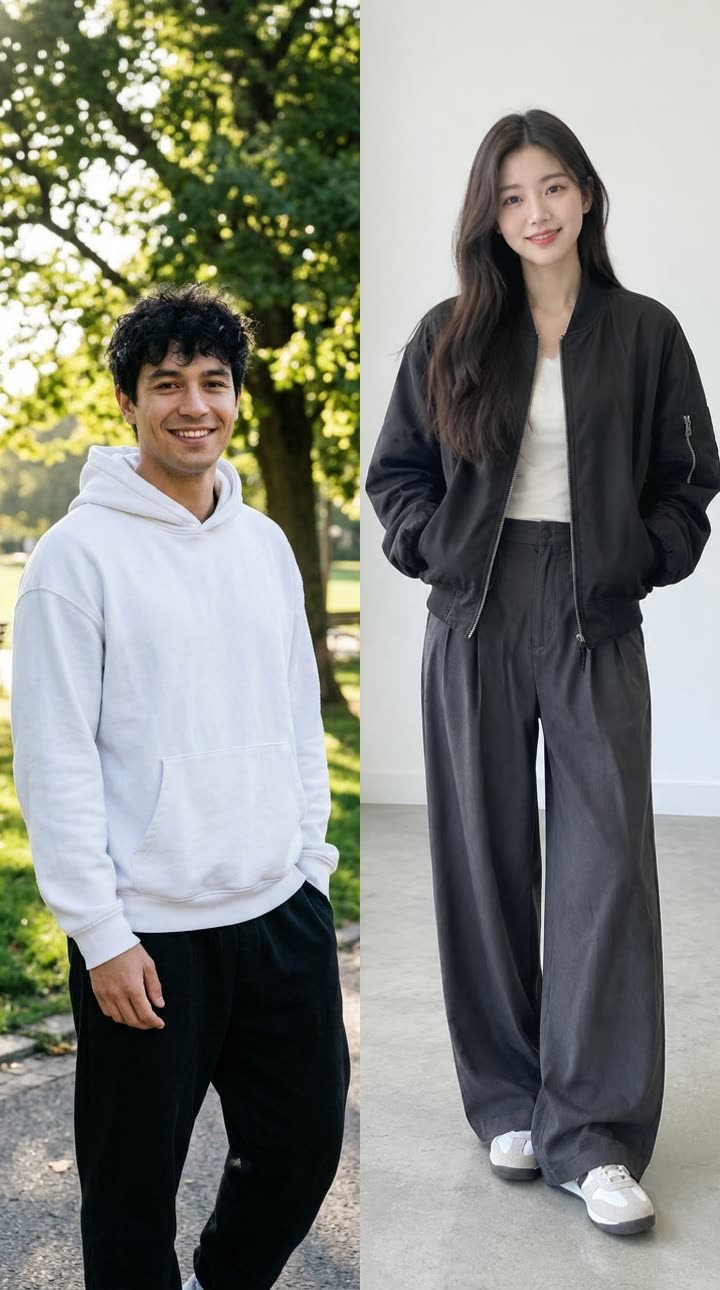 Your photo
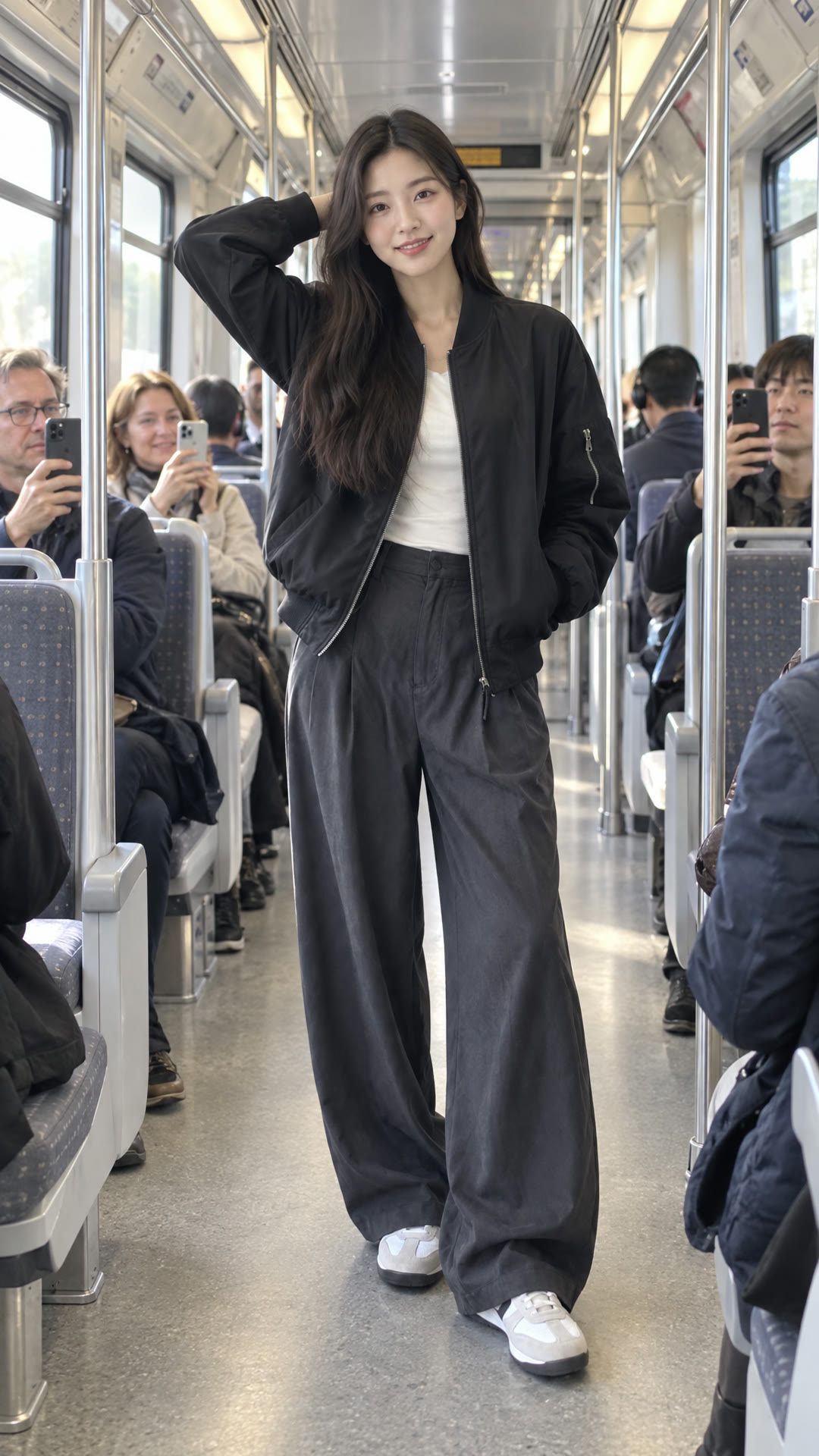 Opening frame
A woman in charcoal grey
The photo that went in, and the opening frame drawn from it: the same face, hair and clothes, standing in a train aisle ready to dance.
03The trend
What Is the No Guidance Dance AI Trend?
“No Guidance” is a 2019 single by Chris Brown featuring Drake. In October 2026 its dance came back on TikTok as the “train dance”: one dancer in a train carriage or on a platform, hands behind the head, big slow hip swings and steady eye contact with the camera, while passengers watch. CapCut templates followed within weeks, then AI templates that put your own face on the dancer.
This generator makes the train dance from one photo. An image model first draws you in a carriage aisle in your own clothes, keeping your face and hair; then a video model films the routine as one handheld, full-body shot. The clip is silent, so you add the trend's sound when you post.
The choreography is generated, not copied, and the clip uses no original recording, music video or dance cover. Dimly is an independent tool and is not affiliated with Chris Brown, Drake or their labels.
04How to make it
How to Make a No Guidance Dance AI Video
- 01
Upload a photo
One photo of you, face toward the camera, full body if you can. JPG, PNG or WEBP; it is cropped to vertical 9:16.
- 02
Generate
The opening shot is drawn first, then the video is filmed from it. About 3 to 8 minutes; you can leave the page.
- 03
Download and post
A 7-second, 720p vertical MP4 without sound. Add the song in TikTok, Reels or CapCut when you post.
05Questions
No Guidance Dance AI FAQ
Add one photo and generate. AI draws you in a train aisle and films the No Guidance train dance: a 7-second silent vertical video, ready for the trend's sound.
No. The video is silent. The song belongs to its artists and label, so we neither include it nor imitate it. Pick the trend's sound in TikTok, Reels or CapCut when you post.
Download the MP4, upload it in TikTok, Reels or CapCut, tap Add sound and pick the No Guidance sound, then line its first beat up with the start of the clip. Using the trend's own sound also puts your video on that sound's page.
This effect is a solo dance from one photo. For a duo, make one clip each and post them side by side.
144 credits per video. The Weekly Pass ($6.99, 150 credits, cancel anytime) covers one, or a one-time $9.99 pack gives 250 credits. Failed renders are refunded.
Free to start: planning, a quote and your first 6 images. Video renders use credits, and this effect costs 144 credits. Failed renders are refunded.
A 7-second vertical (9:16) MP4 at 720p without sound, made for TikTok, Reels and Shorts.
No. Dimly is an independent tool. It is not affiliated with Chris Brown, Drake or their labels, and it uses no original footage, recording or logos.
Only photos of yourself or of people who have agreed to appear. Do not upload photos of others, including public figures, without their permission.
06More effects
More Song Trend Videos
Other song-driven videos made from your photos.