
Planning is free · Upload your audio
Google Flow Music Video
Turn a song from Google Flow Music into a complete music video: upload the audio and Dimly plans the shots, renders them and assembles an MP4 under your original track.
- Runs in your browser
- Lyrics on screen only if you want them
- MP3 · WAV · M4A upload
01What it is
A Flow Music song, directed into a full music video.
Flow Music is Google's AI music studio, formerly ProducerAI. You work with an agent in chat to write and produce songs, and the app can also generate video alongside a track using Google's video models.
A Google Flow Music video from Dimly is a different job: you bring the finished song, and Dimly directs a music video for the whole of it. It reads the structure of the track, plans a treatment, quotes the render, and only then generates the clips and assembles them under your audio. Dimly is an independent service, and it does not edit the song itself.
- Your audio stays the soundtrack.
- The finished MP4 plays the song you uploaded, start to finish.
- The song is yours to bring.
- Any song you own or have permission to use works: one made in Flow Music, Suno, or recorded yourself.
02From Flow Music song to music video
Three Steps from a Flow Music Song to a Video
- 01
Upload the audio
Have the finished song as an MP3, WAV or M4A and upload it. Dimly reads its sections, beats and, when it has them, its lyrics.
- 02
Let the AI direct it
Dimly plans a treatment for the whole song (shots, continuity, pacing) and quotes the render before anything runs.
- 03
Download the music video
Confirm the quote, let the render run, and download an MP4 with your song as the soundtrack.
03Where each fits
Flow Music and Dimly Do Different Jobs
- The songWritten and produced with the appBrought in finished and kept untouched
- The videoGenerated alongside the track with Google's video modelsA shot plan across the whole song, quoted before rendering
- Songs it takesSongs made in the appAny song you own: Flow Music, Suno or your own recording
- Your audioPart of the projectKept untouched as the soundtrack
04What you get
What a Directed Music Video Looks Like
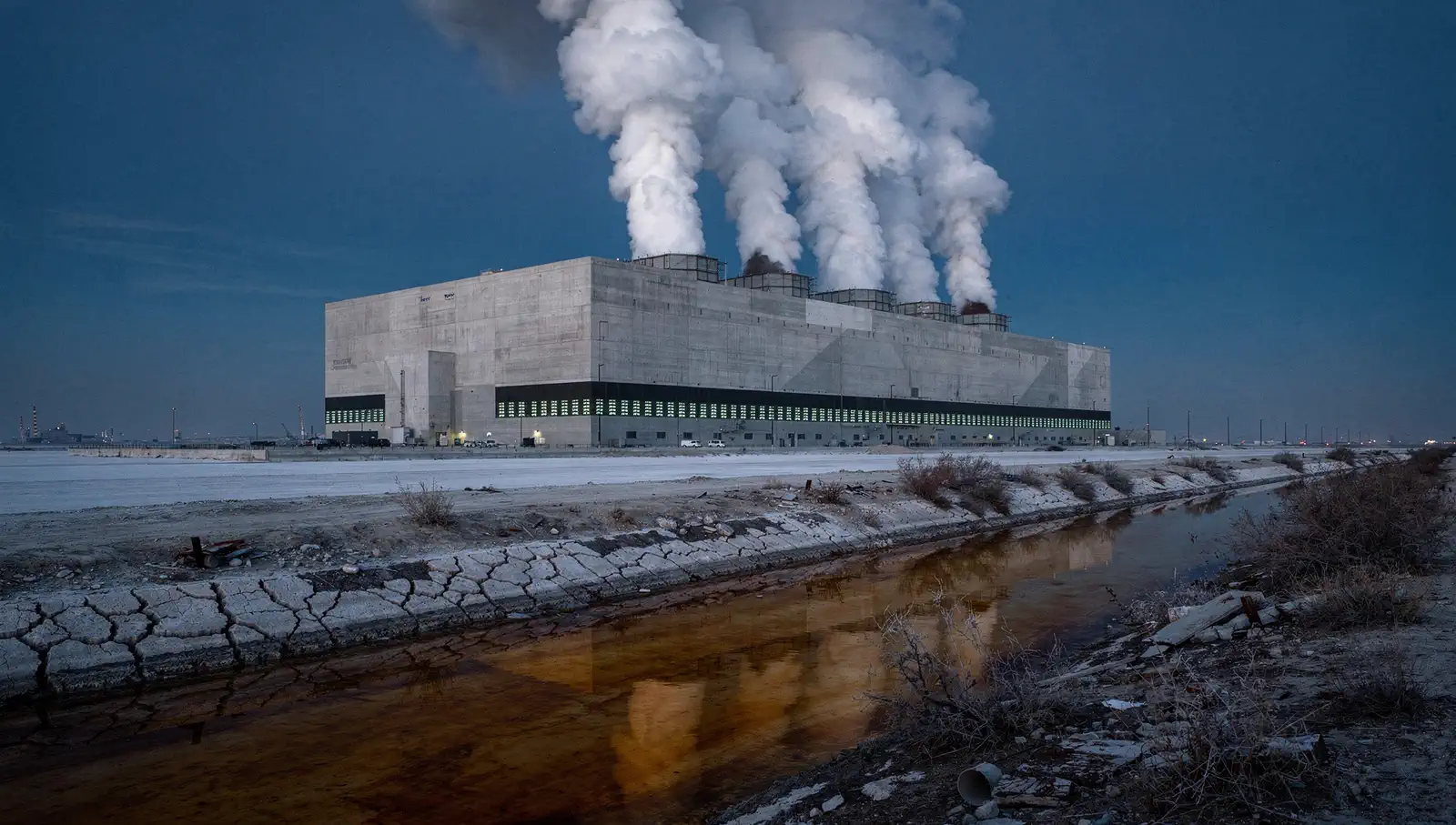
The whole song, directed
Dimly reads the track's structure and plans one continuous sequence across it, not a loop of unrelated clips.
Consistent where it matters
Character, wardrobe and light hold across the sections of the song, so the video reads as one work.
Lyrics are optional
Keep the video purely visual, or turn on lyric captions timed to the vocals. The choice is yours.
05Made for every frame
One Song, Three Frames
16:9
YouTube & desktop
The full-song frame for release day.
9:16
Shorts, Reels & TikTok
Full-screen vertical for the part of the song people share.
1:1
Feed posts
Square cuts that sit well in social feeds.
06Free to try
Free to Try: What You Get
Free, no credits
- Plan the whole video with the director
- Song analysis: sections, beats and lyric timing
- A quote before anything runs
- Your first 6 images (reference sheets, look previews, keyframes) on an account that has never paid
Uses credits
- AI video clip generation for the sequence
- Only what you confirm is charged
- Watermark-free export with any plan
Free to start: planning, a quote and your first 6 images. Video renders use credits.
07Google Flow Music video FAQ
Questions Before You Render
Have the finished song as an MP3, WAV or M4A and upload it to Dimly. The director analyzes the track, plans the shots, quotes the cost and, once you confirm, renders and assembles an MP4 with your audio as the soundtrack.
Not today. Link import works for Suno songs; for a Flow Music song, upload the audio file.
No. Dimly is an independent AI music video maker. It works with songs from Flow Music, Suno and your own recordings.
No. The finished video keeps your original audio as the soundtrack, untouched.
Yes, if you want them. Paste the lyrics at import and turn on lyric captions, or keep the video purely visual.
Exports run from the start of the track, up to 10 minutes, in 16:9, 9:16 or 1:1.
Free to start: song analysis, the treatment and a quote cost nothing, and an account that has never paid gets its first 6 images free. Video renders use credits, and nothing is charged until you confirm the quote.
Yes. Use songs you own or have permission to use, and check the terms of the tool that made the song.
08More tools
More ways to frame a song
The same studio, starting from a different place.
Give your Flow Music song its video.
Upload the audio, approve the treatment, download the MP4. Planning is free.
Start your video